The death of online anonymity is not a rumor. It is the slow, ugly result of trackers, logins, device fingerprints, data brokers, and platform rules that tie...
The Death of Online Anonymity: What It Means and How to Protect Yourself
The death of online anonymity is not a rumor. It is the slow, ugly result of trackers, logins, device fingerprints, data brokers, and platform rules that tie your actions to your real identity. I have seen this shift up close, from the old messy web to today’s account-first internet, and Ernie Castro can tell you: the cheap illusion of privacy is gone.
Key Takeaways
- Online anonymity is shrinking because every layer of the web now collects identity signals.
- Privacy is not about hiding bad behavior; it is about keeping control of your life.
- Real protection comes from habits, settings, and reducing the data you leak.
- Most advice fails because people keep using convenience tools that track them anyway.
- You can still lower your exposure, but you must be intentional.
What is the Death of Online Anonymity?
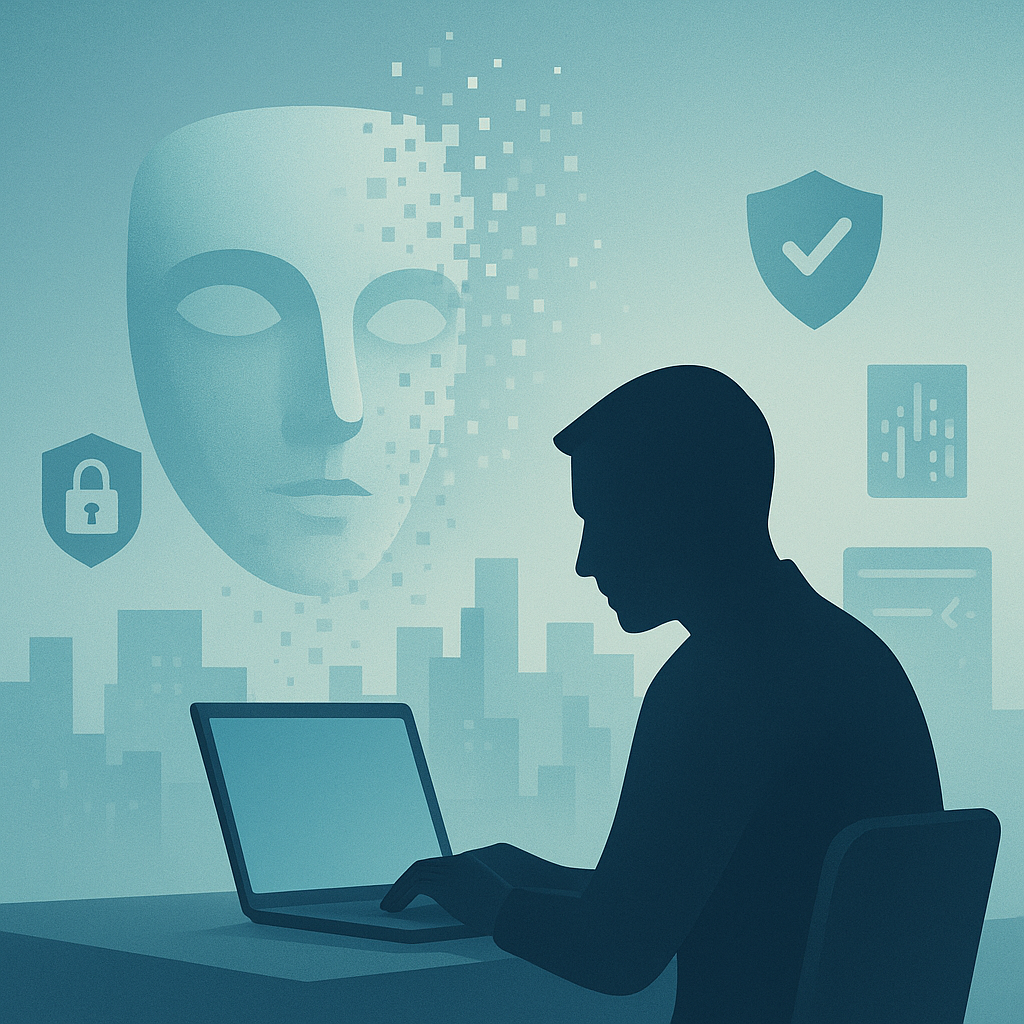
The death of online anonymity means the internet no longer lets most people act without leaving a trail. Websites, apps, advertisers, and networks piece together who you are from logins, cookies, IP addresses, browser fingerprints, phone numbers, and purchase data. The result is not full surveillance in the movie sense. It is worse in a boring way. It is quiet, constant, and legal.
When I worked in large tech companies, I saw how easy it was to connect dots. A single email address, a device ID, or a payment method can become the center pin in a giant board of data. That is not magic. It is plumbing. Most people think they are just browsing. In reality, they are handing out clues with each click.
Let’s be real. The web used to allow more loose browsing, but that world has been shrinking for years. Apple added app tracking controls. Google has been moving away from third-party cookies, though not overnight. Data brokers keep buying and selling records. The Federal Trade Commission has warned about the risks of this market, and the Electronic Frontier Foundation has long pushed for stronger privacy tools, as seen in its work on tracking and fingerprinting at EFF privacy resources.
The core issue is simple. Identity has become the product. If a platform can make money by knowing exactly who you are, where you are, what you read, and what you fear, it will try. That does not make every company evil. It does mean incentives are crooked. And when incentives are crooked, people get treated like data points instead of persons, which is bad manners and bad ethics.
I learned that lesson the hard way years ago when a harmless test account got linked, through a chain of logs and identifiers, to real user behavior faster than I expected. It was a clean reminder: the system remembers more than you think.
Core Benefits and Importance
Privacy matters because people need room to think, speak, and make mistakes without permanent tags hanging over them. That is not paranoia. That is basic human dignity.
- Freedom to explore: When you know every search may be tied to your name, you start self-censoring. I have seen teams assume people want “personalization,” but many users just want breathing room.
- Less profiling: Data brokers and ad networks build tiny dossiers from your clicks. The fewer signals you send, the harder it is to sort you into neat little boxes.
- Lower fraud risk: If your identity exposure is smaller, attackers have less to work with. Frankly, a lot of scams start with scraps.
- Better professional safety: Workers, whistleblowers, researchers, and activists often need separate identities for honest reasons. Not shady ones.
- More honest speech: People talk differently when they are not performing for a permanent audience. Sometimes that honesty is the first step toward truth.
Most guides treat privacy like a toy for tech nerds. That is nonsense. It is closer to stewardship. You are responsible for the data trail you create, just as you are responsible for the words you use. In Catholic terms, the person comes before the machine. That should not be controversial, but here we are.
When I was at Amazon, I saw how much value can be extracted from behavior data. At Microsoft, I saw how product settings can either protect users or quietly expose them. At Google, the scale was even clearer. Tiny defaults become giant habits. That is the kicker. Users rarely read every setting, so the defaults do the real work.
Privacy also matters because bad data habits spread. One app gets your contacts. Another gets your location. A third gets your health info. Soon your life is spread across vendors like spilled rice. Cleaning that up later is a pain.
If you want a deeper look at how platforms collect and sell data, the FTC’s consumer guidance at FTC privacy and online security is worth your time. For search and browser hardening basics, Mozilla’s guide at Mozilla Privacy is also useful.
Step-by-Step Guide to Protecting Yourself
The answer is not to quit the internet and move into a cave. Nice try. The answer is to reduce what you leak, cut the link between accounts, and keep your habits boring to trackers.
- Separate identities by purpose
Use different email addresses for work, shopping, banking, and throwaway signups. I do this myself. It keeps a single breach from turning into a mess. - Kill third-party cookies where you can
Modern browsers now offer stronger tracking protection. Turn it on. Then check your browser’s privacy settings again after updates, because vendors love to reset things behind your back. - Use a privacy-focused browser setup
Firefox with strong tracking protection, or browsers with stricter anti-fingerprinting settings, can reduce passive tracking. The truth is, the browser matters more than most people think. - Review mobile app permissions
Does a flashlight app need contacts? Of course not. Does a recipe app need your microphone? Not unless the soup has opinions. - Trim your data broker exposure
Data brokers collect and resell public and commercial records. Opt out where possible. It is tedious, but so is mopping the floor after someone tracks mud in. - Use password managers and MFA
Weak passwords make identity linkage easier after breaches. Use unique passwords and multi-factor authentication, ideally with a hardware key for sensitive accounts. For basics on protecting accounts, CISA’s guidance at CISA securing your accounts is solid. - Limit social oversharing
Birthdays, school names, travel plans, pet names, and family photos all help attackers. They also help ad systems. Share less. Sleep better. - Watch browser fingerprints
Your screen size, fonts, time zone, and plugins can identify you even when cookies are blocked. This is where many “privacy tools” get weak. I have tested setups that looked private on paper but still leaked plenty. - Separate payment and phone numbers where possible
Many services use phone numbers as identity anchors. Avoid giving the same number to every service unless you enjoy being indexed like a library book. - Check what is already out there
Search yourself. Read old profiles, cached pages, breach lists, and public records. You cannot defend what you do not know exists.
If you want a practical guide to safer browsing habits, read EFF surveillance self-defense tools. For account security, Google also has a clear overview at Google Safety Center, though you should still keep your skepticism handy.
Comparison Table: Privacy-Focused Browsing vs. Default Big Tech Browsing
| Category | Privacy-Focused Setup | Default Big Tech Setup |
|---|
| Tracking | Limits cookies, fingerprints, and cross-site IDs | Strong cross-site tracking by default |
| Data Collection | Minimizes shared data | Collects broad usage data |
| Account Linkage | Separate identities for separate tasks | Single identity tied across services |
| Ads | Less targeted, often fewer ads | Highly targeted, behavior-driven ads |
| Convenience | Slightly more work | Very easy, but leaky |
| Risk After Breach | Lower exposure | Higher exposure because more data is centralized |
| User Control | More manual choices | Defaults often favor the platform |
The biggest competitor to privacy-focused browsing is convenience-driven mainstream browsing. It wins on speed and ease. That is why it dominates. But easy is not free. You pay with data.
Common Mistakes to Avoid.
Most privacy advice is half-baked. It sounds smart, then falls apart in real use.
- Using one email for everything: That is not organization. That is a single point of failure.
- Trusting “incognito” mode: Incognito mostly hides local history. It does not make you invisible. People keep repeating this myth because it feels comforting.
- Installing random privacy extensions: More extensions can mean more fingerprinting and more trust problems. Use fewer, not more.
- Ignoring your phone: A lot of identity tracking now starts on mobile. Your phone is not a sacred cow. Check the permissions.
- Posting personal details for fun: Social platforms are not family photo albums. They are data extraction machines with a friendly face.
- Thinking only criminals need privacy: That line is lazy. Doctors, teachers, engineers, parents, and students all need privacy for legitimate reasons.
I have noticed a pattern in every company I worked for: people often confuse policy with protection. A privacy policy is not a shield. It is a description of what may happen. Big difference.
Also, do not buy the false choice between safety and privacy. Good systems can do both. Bad systems pretend you must choose. That is usually a cover for weak design or ugly business incentives.
The FTC has pushed companies to be clearer about tracking and data sales, but users still need to do the hard part. See FTC privacy enforcement and guidance for more context. The law can help, but habits matter more day to day.
Frequently Asked Questions
Is online anonymity completely dead?
No, but it is much harder to keep. You can still reduce tracking, separate identities, and avoid obvious linkage points.
Does a VPN make me anonymous?
No. A VPN hides your IP address from some sites, but it does not stop account tracking, browser fingerprinting, or bad habits. It is one tool, not a magic cloak.
What is the biggest threat to privacy today?
Cross-service data sharing. Once one company, broker, or app can connect your records, the rest of the system gets easier to map.
What should regular people do first?
Start with separate emails, strong passwords, MFA, app permissions, and better browser settings. Small wins add up.
Final Thought
The death of online anonymity is not just a tech story. It is a human one. I have spent enough years in large systems to know that scale can make care harder, but not optional. Ermenildo Valdez Castro, Jr. would say this plainly: if we treat people like data exhaust, we get a colder web and a poorer society.
Still, there is hope. Not the fluffy kind. The practical kind. Use the tools. Be stingy with your data. Keep your accounts separate. Ask what is really needed before you click “allow.” That is stewardship, plain and simple. It respects your own dignity and the dignity of others, which is the whole point.
I am not sentimental about this. The internet will not become kind on its own. But disciplined users can make it less grabby, less nosy, and a bit more human. That is worth the trouble.