Security in the Age of Instant Exploits: A Practical Guide for Teams
An instant exploit is a security flaw turned into a working attack quickly enough that defenders may have little time to react. In that window, teams need to know what they run, which systems face the internet, and how to limit damage. Speed matters—but preparation, sound judgment, and clear ownership matter more.
The supplied episode listing, “Security in the Age of Instant Exploits,” names a topic and date but provides no transcript or technical claims. This article therefore does not attribute advice or statements to its speakers. It examines the wider problem: software flaws can move from disclosure to practical exploitation quickly, while ordinary organizations still need to verify, approve, test, and deploy fixes. That mismatch creates a blunt question for every team: what happens if an attacker moves faster than your release process?
The answer is not to abandon careful engineering. It is to make careful engineering faster where speed protects people and services. That means reducing uncertainty before a crisis, keeping systems repairable, and deciding who can act when the usual approval chain is too slow. Security work is also stewardship: teams have a duty to protect the data and services entrusted to them, including the people who depend on those services.

What Is Security in the Age of Instant Exploits?
Security in the age of instant exploits means defending systems when the time between a vulnerability becoming known and attackers using it may be very short. An exploit is a method or piece of code that takes advantage of a software weakness. “Instant” does not mean every flaw is attacked the moment it is published. It describes the pressure defenders face when proof-of-concept code, public reports, or active attacks appear before their organization has finished assessing the risk.
A security advisory may name affected versions and provide a patch. Researchers may publish a technical explanation. Attackers can study the same information, search for exposed targets, and adapt code. Meanwhile, a company may still be finding out whether it uses the affected component. That gap—between public knowledge and local action—is often where trouble starts.
The process involves more than a patch. Teams need a software inventory, sometimes called a software bill of materials or SBOM, to identify components and versions. They need an asset inventory to connect those components to real servers, cloud workloads, employee devices, and customer-facing services. They need an owner for each important system, a way to assess exposure, and a tested route to update or isolate it.
Risk scores help, but they are not the whole answer. A severe flaw on a system with no network access may be less urgent than a moderate flaw in a public-facing service that attackers are already targeting. The CISA Known Exploited Vulnerabilities Catalog is useful because it identifies vulnerabilities with evidence of exploitation. It is a prioritization input, not a substitute for knowing your own systems.
I would start with a practical question: can the team identify affected systems in one working session, rather than one long email chain? If not, the main weakness may be inventory and ownership—not the patch itself. Frankly, a security dashboard cannot protect an asset nobody knows exists.
Instant exploits also change the meaning of “patch soon.” A monthly update cycle may be reasonable for routine fixes, but not for every flaw in an exposed service under active attack. Teams need risk-based emergency paths that are fast without being reckless. That means rehearsed testing, rollback options, clear authority, and records of what changed.
Why Fast, Prepared Security Matters
Preparation buys time. It does not guarantee that a breach will never happen, and anyone promising that is selling a fairy tale. It makes it more likely that a team can find the relevant systems, choose an appropriate response, and limit the harm when a flaw becomes urgent.
The main benefits are practical:
- Earlier detection of exposure. A current inventory lets a team search for affected software instead of guessing. If a library, device, or service is missing from the inventory, it can be missed during the response.
- Faster, better prioritization. Teams can combine severity, known exploitation, internet exposure, business importance, and available mitigations. This is more useful than treating every high score as an identical emergency.
- Less time spent on coordination. Named system owners and agreed escalation routes reduce the scramble to find someone with permission to act.
- Smaller blast radius. Network segmentation, least-privilege access, and safe defaults can keep one compromised account or service from opening the door to everything else.
- More reliable recovery. Tested backups and rebuild procedures help restore service without relying on hopeful assumptions about what is safe.
- Clearer communication. A written status—what is affected, what has been changed, and what remains uncertain—helps technical teams, leaders, and customers make sound decisions.
Consider a fictional on-call scenario. A public advisory names a flaw in a web framework used by several services. The team with a reliable inventory can find the affected applications, check whether they are exposed, and contact their owners. Another team, relying on memory and scattered spreadsheets, spends the first hours asking which version is deployed where. The technical flaw may be the same. The amount of avoidable confusion is not.
That difference matters to people outside the security group. A clinic’s scheduling system, a small business’s payroll service, and a public agency’s online forms are not abstract assets. People rely on them. Protecting them is part of respecting users and the dignity of their work, not just a way to avoid a bad headline.
Fast response also reduces fatigue. If every vulnerability becomes an all-hands emergency, engineers stop trusting the alarm. A clear priority method helps reserve the highest level of disruption for situations with strong evidence of immediate risk. The FIRST EPSS project offers a model for estimating the probability that a vulnerability will be exploited in the wild. Such estimates can inform decisions, but they should be considered alongside local exposure and business impact.
The payoff is not merely speed. It is controlled speed: action guided by facts, with enough checks to avoid turning a security fix into an outage. I favor that over dramatic claims about “moving fast” that leave nobody accountable when a rushed change breaks production.
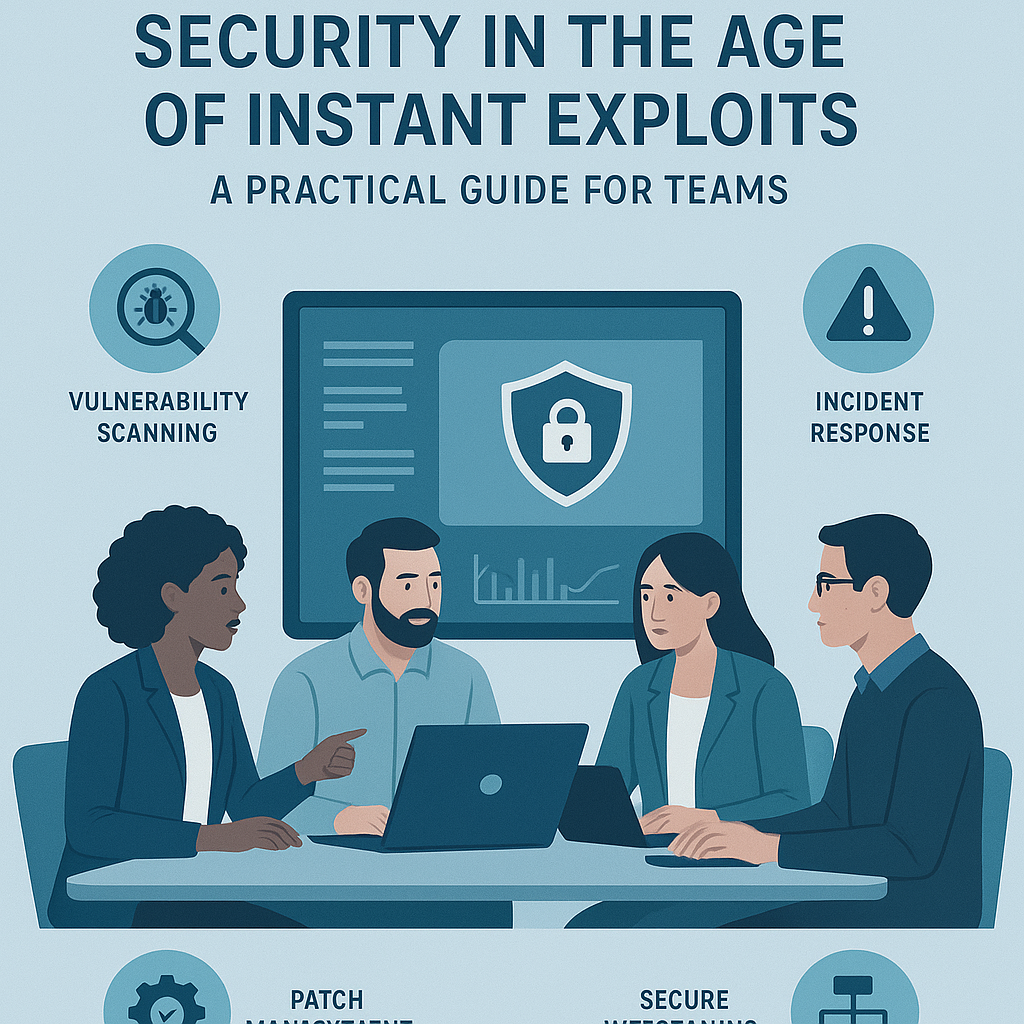
A Step-by-Step Guide to Preparing for Instant Exploits
A useful response plan should work on a tired Tuesday night, not only in a polished tabletop exercise. The steps below build that kind of readiness.
- Create an asset and software inventory. Record services, software components, versions, owners, locations, and exposure. Include cloud resources, managed devices, older systems, and vendor-provided software. Automate collection where possible, then check for gaps. An inventory that is stale or missing half the estate creates false confidence.
- Map assets to business importance. Mark which systems handle sensitive data, support essential work, or face the public internet. Identify dependencies: a customer portal might depend on a shared identity service, database, or third-party library. This map helps teams understand what could be affected if one component is compromised or taken offline.
- Watch trusted sources and verify alerts. Use vendor security advisories, the CISA KEV catalog, security feeds, and internal monitoring. Verify whether a notice applies to your actual version and configuration. Do not assume that a headline or social post tells the whole story. The NIST Secure Software Development Framework provides practices for building and maintaining software with security in mind; it is useful context for prevention as well as response.
- Set a risk-based priority. Ask whether the flaw is known to be exploited, whether the affected system is reachable, what access an attacker needs, what data or service is at stake, and whether a reliable mitigation exists. Record the reason for the priority. A numeric score can help structure the discussion, but it cannot see your network layout or business constraints.
- Choose the safest effective action. The answer may be a patch, configuration change, temporary shutdown, access restriction, or network control. If a patch is available, check it in a representative environment and confirm dependencies. If a full fix cannot be deployed right away, apply a specific compensating control and set a deadline to revisit it. “We will monitor it” is not a control unless the team defines what it will monitor and who will respond.
- Use an emergency change path. Define who can approve urgent changes, what minimum tests are required, how to record the change, and how to roll back. Keep that path short, but not invisible. A rushed patch without a recovery plan can trade a security risk for a service outage. The NIST Cybersecurity Framework offers a broader structure for organizing cybersecurity work across governance, identification, protection, detection, response, and recovery.
- Contain possible compromise. If there is evidence that a system was exploited, patching alone may not be enough. Isolate affected hosts when appropriate, preserve relevant logs, review access, rotate exposed credentials, and follow your incident-response process. Avoid wiping evidence before the response team has captured what it needs. Bring in legal, privacy, and communications experts when the situation calls for them.
- Confirm the result. Verify the installed version or control, test the service, and check monitoring for signs that the issue remains. Update the inventory and the incident record. If the fix failed or had to be rolled back, assign a new owner and next action. A ticket marked “done” is not proof that the exposure is gone.
- Review and improve. After the urgent work, ask what slowed the response. Was ownership unclear? Was a dependency missing from the inventory? Did a change approval take too long? Fix the process, not just the single vulnerability. The CISA Secure Software Development Framework resource also supports teams working to build safer software practices into development.
A useful exercise is to run this sequence against a made-up vulnerability before a real one arrives. Give the team an affected component, a deadline, and incomplete information. Notice where people get stuck. That awkward pause during a rehearsal is cheaper than the same pause during an incident.
Comparison: Emergency Patch Response vs. Continuous Readiness
The strongest competitor to a readiness-based security program is the familiar emergency-only approach: wait for a serious advisory, assemble the right people, and patch under pressure. That approach can work for small environments with very few systems, but it becomes fragile as software, cloud services, and dependencies multiply.
| Area | Emergency-only patching | Continuous readiness |
|---|
| Asset knowledge | Often gathered during the incident | Maintained before an incident |
| Ownership | Found through escalation and messages | Recorded for each important service |
| Prioritization | Driven by headlines or scores alone | Uses exploitation evidence, exposure, and impact |
| Change process | Improvised under pressure | Emergency route and rollback are rehearsed |
| Detection and response | May begin after the patch | Includes checks for possible prior compromise |
| Recovery | Depends on available backups and staff | Recovery steps are tested and assigned |
| Cost pattern | Quiet periods followed by disruptive surges | Regular maintenance with fewer unknowns |
Continuous readiness is not the same as patching everything immediately. That would be impossible and, in some cases, unsafe. It means having enough information to act proportionally. A critical internet-facing service with active exploitation deserves a different response from a low-impact internal tool with no known attack path.
There is also a tradeoff. Readiness takes ongoing work: maintaining records, rehearsing changes, and improving automation. Emergency-only programs appear cheaper when nothing is happening. Then a serious flaw lands, and the hidden cost appears as overnight work, delayed decisions, service disruption, or a missed exposure.
No table can choose the right balance for every organization. A small team may rely on a managed service provider and a few well-maintained systems. A larger company may need automated discovery, deployment rings, and dedicated incident response. The common requirement is simple: know what you own, understand what is exposed, and have a credible way to act.
Common Mistakes to Avoid
Security advice often sounds clean on a slide. Production systems are messier. These mistakes show up when organizations follow a slogan without building the practical steps behind it.
- Treating severity as the whole decision. A high severity score deserves attention, but it does not say whether your instance is exposed or whether attackers are already using the flaw. Add local context and evidence of exploitation.
- Assuming the patch is the complete response. A patch closes a vulnerability; it does not prove that nobody exploited it before installation. If there are signs of compromise, investigate access, logs, credentials, and persistence.
- Trusting an inventory that nobody checks. A spreadsheet last updated months ago is not reliable just because it exists. Compare inventory records with cloud accounts, device management, deployment systems, and network observations.
- Skipping rollback and recovery planning. “We can always revert” is wishful thinking unless the team knows how, has the required backup, and has tested the steps. Changes can affect data formats and dependencies in ways a simple rollback cannot undo.
- Automating without guardrails. Automated patching can reduce delay, but broad deployment of an untested change can cause a large outage. Use staged rollouts, health checks, clear stop conditions, and an owner who can halt deployment.
- Assuming security belongs to one team. Security specialists can set standards and guide incident response, but service owners understand their systems and must take part in fixing them. Shared responsibility still needs named owners. Otherwise, it means everyone expects someone else to act.
- Confusing a policy with readiness. A document that says “patch critical flaws quickly” does not make the process quick. Teams need defined deadlines, decision authority, escalation paths, and a way to measure whether work actually finishes.
- Ignoring vendors and dependencies. A system may contain components supplied by a vendor or pulled indirectly through another package. Ask suppliers how they issue security notices, what versions they support, and how they will communicate a serious flaw.
I am skeptical of one-size-fits-all rules such as “patch everything within 24 hours.” A strict target may help set expectations, but it can also encourage teams to close tickets before confirming the fix. Set urgency based on risk, then require proof of the action and a record of anything deferred.
Do not make the process depend on heroic individuals, either. A response that works only because one engineer remembers an obscure server is not a dependable response. Document the knowledge, share access responsibly, and make sure more than one person can perform essential tasks. Good engineering should not require someone to sacrifice sleep every time a known process fails.
Frequently Asked Questions
What is an instant exploit?
An instant exploit is a practical attack that appears soon after a vulnerability becomes public or otherwise known. The phrase describes a short response window, not a guarantee that every flaw is attacked immediately. Attackers may need time to study a weakness, adapt existing tools, and find vulnerable systems. Defenders should still prepare as though a serious flaw could be used quickly, especially when it affects an exposed service or appears in known exploitation records.
Should every critical vulnerability be patched immediately?
Not automatically. A critical rating signals serious potential impact, but teams also need to assess exposure, exploitation evidence, system importance, and the safety of the available fix. For a public service under active attack, urgent patching or mitigation may be necessary. For other systems, a planned change with testing may be safer. If patching must wait, document the reason, apply a temporary control where possible, and set a firm review date.
What should a small organization do first?
Start with a short, accurate list of important systems, software, owners, and internet-facing services. Turn on vendor security notifications, keep supported software up to date, use multifactor authentication for important accounts, and establish a way to contact a knowledgeable responder. Test backups and write down how to restore essential services. A small organization does not need a giant security department to make progress, but it does need someone clearly responsible for each step.
Is an SBOM enough to manage software risk?
No. A software bill of materials can help identify components and versions, but it does not by itself say whether a system is exposed, whether a component is configured safely, or whether a vulnerability has been exploited. The information also needs to be current and connected to actual deployed services. Use an SBOM as one input alongside asset records, vendor notices, vulnerability data, configuration checks, and incident monitoring.
Final Thought
Instant exploits make the old habit of waiting for a convenient maintenance window harder to defend. They do not make careful work irrelevant. They make preparation more valuable: accurate records, supported software, clear ownership, tested changes, and honest communication all reduce the time lost to confusion.
A sensible security program will still face difficult calls. A patch can break a service; delaying it can leave a door open. There may be no perfect option, only a choice made with the best available evidence and a clear plan to reduce harm. That is why teams should practice before the clock is running. Rehearsal gives people permission to ask basic questions, surface weak assumptions, and learn without putting customers at risk.
The measure of good security is not the number of urgent messages sent or the speed of a single patch. It is whether the team can protect people and essential services without guessing, hiding uncertainty, or relying on one exhausted expert. Treat that responsibility seriously, keep the process humane, and fix the quiet weaknesses before they become loud ones. That is how a team earns a little more time when attackers try to take it away.