Observability is the practice of using <strong>metrics</strong>, <strong>logs</strong>, and <strong>traces</strong> to understand what a software system is...
Observability is the practice of using metrics, logs, and traces to understand what a software system is doing and why it is doing it. I have seen it save teams from guesswork more than once, and that matters because modern systems break in messy ways.
Key Takeaways- Observability helps teams find root causes faster.
- Metrics show trends, logs show details, and traces show request paths.
- It is not the same as basic monitoring.
- Good observability reduces outages, noise, and blame.
- Start small: pick clear signals, trace key paths, and ask better questions.
What is observability?
Observability is the ability to understand a system from the data it emits. That sounds tidy, but the real world is not tidy at all. In a small app, a single log line may be enough. In a distributed system with services, queues, caches, and third-party APIs, you need more. You need metrics, logs, and traces working together.
I first ran into this problem in large production systems where one broken request could cross several services before failing. The alert would fire, but the alert alone did not tell us why. That is the key point. Monitoring tells you something is off. Observability helps you ask and answer the next question: what broke, where, and under what conditions?
The OpenTelemetry project gives teams a common way to collect telemetry, and the Google SRE book explains why good signals matter more than panic-driven guessing. I have seen both ideas work in practice. A clean signal beats a loud room.
Frankly, most teams confuse observability with more dashboards. That is weak thinking. A wall of charts is not insight. If your team cannot trace a checkout failure from browser to database, then you are still flying blind. Why pretend otherwise?

Core benefits and importance
- Faster root cause analysis. When I worked on large services, the best teams did not argue over opinions. They used traces and logs to narrow the blast radius fast. Less debate, more facts.
- Lower downtime. Systems recover faster when you can see the failing part instead of guessing at it. A few minutes saved during an outage is not small. It protects trust.
- Better customer experience. Users do not care that your pods are healthy if checkout is failing. They care about results. So should you.
- Less alert noise. Bad monitoring floods engineers with junk. Good observability cuts the noise and points at real pain. That matters at 2 a.m., when nobody wants a mystery.
- Stronger engineering habits. Teams that instrument well tend to design better code. They think about failure paths, request IDs, latency, and dependencies up front. That is just prudent stewardship of time and talent.
- Shared language across teams. In big orgs, support, product, and engineering often talk past each other. Telemetry gives them a common record. I have watched that calm heated meetings down fast.
At Zulily, where customer traffic could spike and behavior changed quickly, the difference between a vague report and a traced issue was huge. One gave us blame. The other gave us work. Which one would you choose?
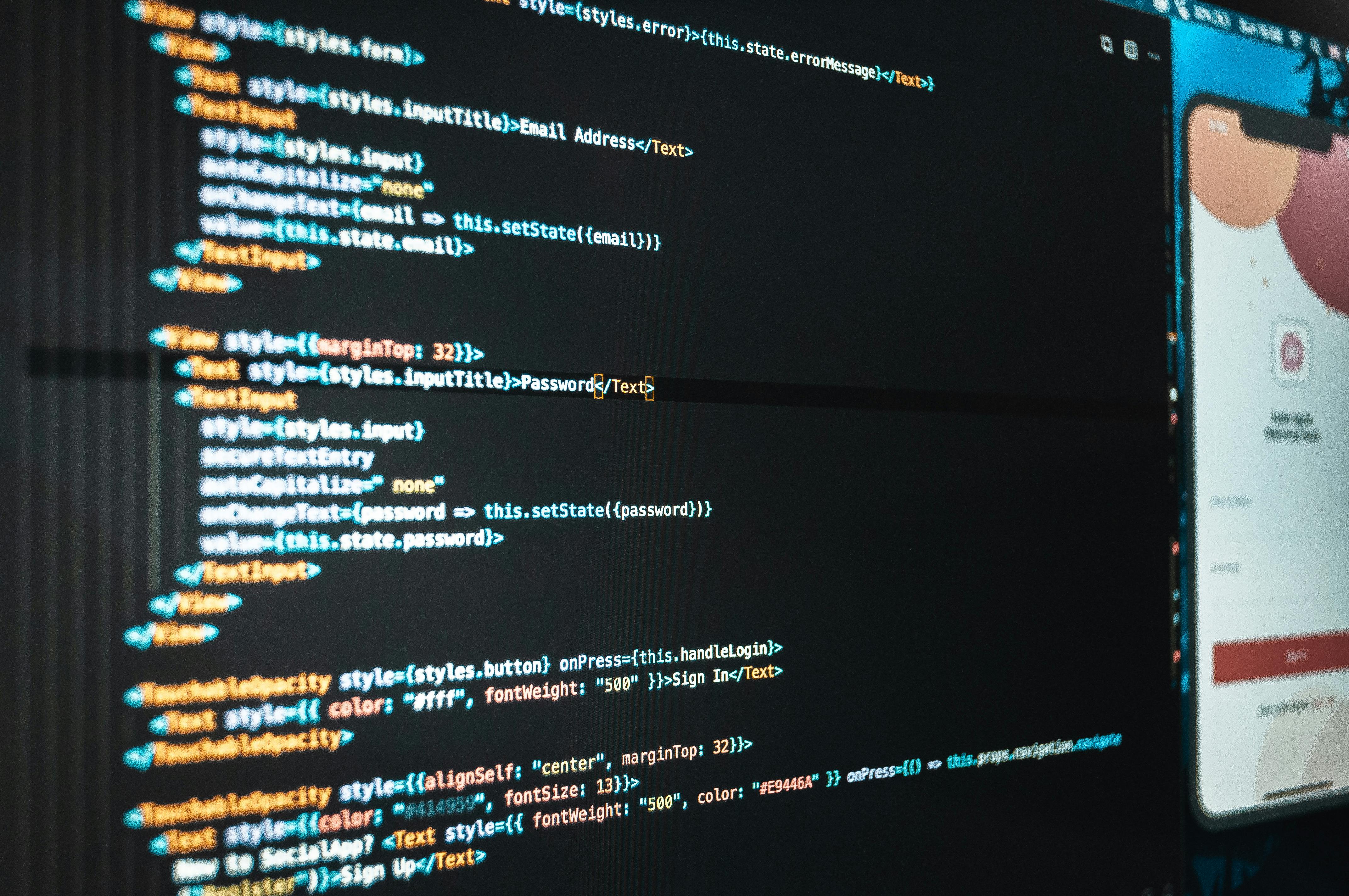
Step-by-step implementation guide
- Start with the user path. Pick the most important flow first, like sign-in, search, or checkout. Do not instrument every toy feature before the money path. That is how teams waste months.
- Define your signals. Track latency, traffic, errors, and saturation. These are the classic SRE signals, and they still work because reality still hurts in the same old ways.
- Add trace IDs everywhere. A request ID that follows a call through services, queues, and jobs is worth more than ten vague logs. I learned this the hard way while debugging distributed failures at scale.
- Write logs that answer questions. Good logs say what happened, where, and why it matters. Bad logs say "error occurred" and leave the rest to luck. That is not engineering.
- Set alerts on symptoms, not vanity metrics. Alert on failed orders, long queues, and bad latency. Do not alert on every tiny blip just because the graph moved. Be calm and practical.
- Use dashboards for patterns, not theater. A dashboard should help a human see trouble quickly. If it looks pretty but no one uses it during incidents, it is decoration.
- Review incidents and improve instrumentation. Every postmortem should ask what data was missing. I have seen teams repeat the same failure because no one bothered to add the one metric that mattered.
The OpenTelemetry documentation is a solid place to start, and the AWS observability guidance is useful if your stack lives on AWS. The tools differ, but the logic stays the same. Measure the thing that hurts.
Comparison Table
| Topic | Observability | Monitoring |
|---|
| Main goal | Explain why a system behaves a certain way | Tell you that something is wrong |
| Data types | Metrics, logs, traces, events | Mostly metrics and alerts |
| Best use | Root cause analysis in complex systems | Health checks and threshold alerts |
| Team value | Helps engineers inspect unknown problems | Helps teams watch known conditions |
| Weak spot | Needs discipline and good instrumentation | Often misses the reason behind failures |
| Example | Trace a failed checkout across services | Alert when checkout error rate rises |
The truth is simple. Monitoring is the alarm. Observability is the flashlight.
Common mistakes to avoid
- Adding tools before questions. Many teams buy software first and ask later what problem it solves. That is backward. Start with the failure you need to understand.
- Logging everything. More logs are not better if nobody can search them. I have seen teams bury signal under spam. Clean data beats noisy data.
- Ignoring trace context. Without correlation IDs, distributed systems become a detective story with half the pages missing. Nobody enjoys that.
- Treating dashboards as proof. A green dashboard does not mean users are happy. Sometimes the dashboard is green because it is measuring the wrong thing.
- Over-alerting. If everything pages, nothing pages. Engineers stop trusting alerts when they are constantly interrupted by nonsense.
- Skipping post-incident fixes. This one annoys me most. If the same incident happens again, your observability program is not finished. It is decorative.
I have seen smart people fall into these traps at Microsoft, Amazon, and elsewhere. The pattern is always the same. They chase volume instead of clarity. Why do that to yourselves?
Frequently Asked Questions
What is the difference between observability and monitoring?
Monitoring tells you that something crossed a threshold. Observability helps you understand why it happened by using metrics, logs, and traces together.
Do small teams need observability?
Yes. Small teams have fewer people to spare during outages, so fast diagnosis matters even more.
What should I instrument first?
Start with your most important user flow, then add traces, useful logs, and a few clear metrics.
Is observability only for microservices?
No. Even monoliths benefit from traces, structured logs, and good metrics when the codebase grows and failures get messy.
Final Thought
Observability is not fancy plumbing. It is a promise to look carefully at the systems people depend on. That includes your users, your teammates, and the people on call at night. I have spent years around failures big enough to bruise egos, and the best teams were never the loudest ones. They were the ones that respected the work, told the truth with data, and fixed what was broken. That is the quiet discipline I still trust. — Ernie Castro