Meta's AI agents for understanding codebases are meant to help developers read, inspect, and reason about large software projects faster. That sounds fancy...
Meta's AI agents for understanding codebases are meant to help developers read, inspect, and reason about large software projects faster. That sounds fancy, but the real value is plain: less time lost in maze-like repos, fewer bad guesses, and better code decisions. Ermenildo Valdez Castro, Jr. would call that basic respect for time and craft.
Key Takeaways
- AI agents can summarize code, trace dependencies, and answer repo questions.
- They work best as helpers, not bosses.
- Good code structure still matters, maybe more than ever.
- Teams should check outputs, because wrong answers still happen.
- Used well, these tools save time and protect the dignity of careful engineering.
What is Meta AI Agents for Codebases?
Meta AI agents for codebases are software tools that inspect source code, read file relationships, and answer questions about how a system works. They are built to help developers understand big repos without spending half the day hunting through folders like a tired raccoon. The idea is simple: give the agent access to code, docs, and structure, then ask it to explain functions, modules, or flows.
When I worked on large systems, the hardest part was often not writing code. It was finding the right code. That is the part people forget. A codebase can be clean on paper and still feel like a junk drawer if naming is sloppy, docs are thin, and ownership is fuzzy. Meta's approach tries to cut through that mess by using AI to inspect connections, summarize logic, and answer questions in plain English.
That matters because modern software is full of hidden links. One change in an auth service can affect logging, billing, caching, and tests. If the agent can trace those links faster than a human can click through every file, that is real value. Not magic. Just useful labor-saving work.
The best way to think about these agents is as a junior helper with fast eyes and no ego. They can point you to likely files, explain patterns, and draft a first pass at understanding. But they can also get things wrong, especially if the code is stale or poorly organized. So yes, use the tool. No, do not trust it blindly.
That is where good stewardship comes in. Software work is not just about speed; it is about doing the job with care, honesty, and responsibility to the people who depend on the system. If a tool helps you serve users better, fine. If it makes you sloppy, toss it.

Core Benefits and Importance
- Faster code comprehension. I have seen engineers burn hours tracing a simple request path. An agent can shorten that work by showing the likely files and functions first.
- Better onboarding. New hires often need weeks to understand where things live. A codebase agent can give them a map before they start asking the same five questions.
- Less context switching. When I was at Microsoft, the worst days were the ones spent jumping between tabs, docs, and Slack threads just to answer one basic question. A good agent can reduce that mess.
- Helpful for legacy systems. Old code often lacks clean docs. AI summaries can give a rough guide before a human does the real review.
- Supports pair thinking. You can ask the agent, then compare its answer with your own reading. That back-and-forth catches mistakes faster.
- Improves code reviews. Reviewers can use the tool to spot related files, side effects, and missing tests before they approve a change.
- Can raise code quality over time. If teams see how hard their code is to read, they may finally clean up the naming, docs, and module boundaries. About time.
Most guides hype AI as if it replaces experience. That is nonsense. I have worked at Google, Amazon, Microsoft, and Zulily, and the same rule kept showing up: tools are only as good as the habits around them. If your team writes messy code, an agent may still help, but it will also expose the mess faster. That is not a flaw. That is feedback.
Here is the kicker. These agents can also help teams see work as service, not ego. Good engineering should make life easier for coworkers and users. That fits the old idea that work has dignity when it is done well and for others, not just for bragging rights.
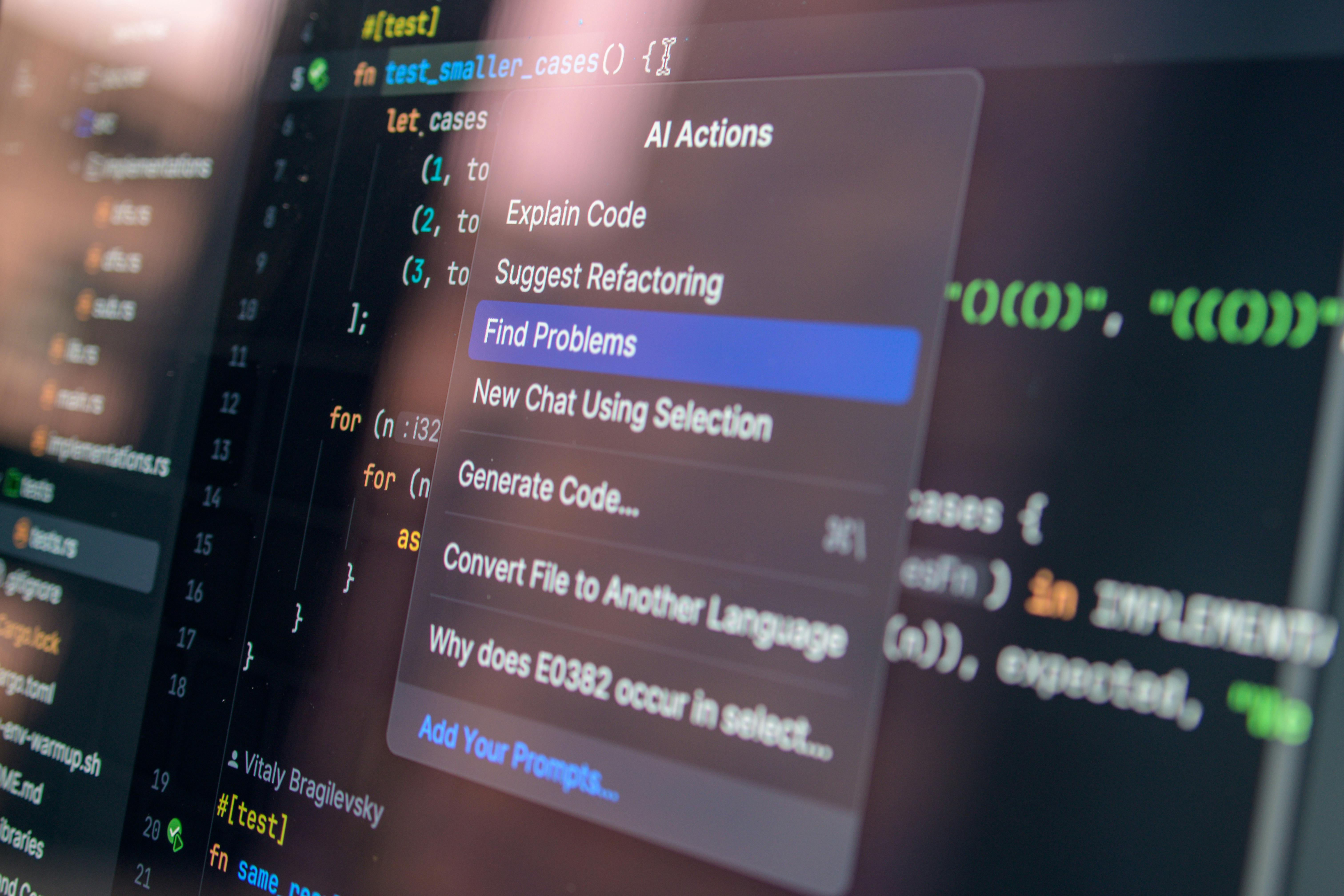
Step-by-Step Guide to Using Codebase AI Agents
- Start with a clean repo.
The agent is not a miracle worker, so if your code is a swamp of random names and dead files, fix the basics first. Add README files, module docs, and clear folder names.
- Give the agent a focused question.
Ask, "Where is the checkout flow handled?" or "Which files touch this API route?" Broad questions make broad answers, and broad answers are usually mush.
- Check the source files yourself.
I always cross-check the agent's answer against the code. That habit saved me more than once, especially when the model guessed wrong about a utility function or missed a side effect.
- Use it for trace work.
Ask the agent to trace a request from controller to service to data store. This is where it shines. It can surface links you might miss after a long day and too much coffee.
- Use it during onboarding.
New developers can ask it where things live, how a system talks to itself, and which tests matter. That cuts the shame of asking the same thing three times.
- Add guardrails.
Set rules for data access, private repos, and review steps. If the tool can see sensitive code, you need clear limits. No shortcuts here.
- Measure time saved.
Track how long it takes to answer common repo questions before and after the tool. If the numbers do not improve, the tool may just be shiny paint.
- Keep humans in the loop.
I have tested enough systems to know this: AI can assist, but humans own the decision. That matters for correctness, safety, and trust.
For more related reading, see our guide to understanding large codebases, our article on AI tools for developers, and our practical code review checklist.

Comparison Table
| Feature | Meta AI Agents for Codebases | Traditional Search and Manual Reading |
|---|
| Speed | Fast answers across many files | Slower, file by file |
| Accuracy | Good, but must be checked | High when you read carefully |
| Onboarding help | Strong for newcomers | Weak unless docs are great |
| Dependency tracing | Strong | Manual and tiring |
| Risk | Wrong answers if unchecked | Human error from fatigue |
| Best use | First-pass understanding | Final verification |
Meta's approach is strongest when the codebase is big and the team is busy. Traditional reading still wins when you need certainty. The smart move is not either-or. It is both, used with sense.
Common Mistakes to Avoid
- Trusting the agent too much. I have seen people accept AI output like it came from a judge on high. Bad idea. The tool can miss stale files, odd naming, or hidden branching logic.
- Using vague prompts. If you ask sloppy questions, you get sloppy answers. That is not the model being cruel. That is just how poor input works.
- Ignoring repo hygiene. People love to blame AI when the codebase is the real problem. Messy docs, broken tests, and dead modules will confuse any assistant.
- Skipping code review. An agent can help you read faster, but it should never replace a second set of human eyes.
- Treating it like a search box only. The real value is in tracing logic and relationships, not just keyword lookup.
Frankly, I get skeptical when vendors say AI will fix engineering pain by itself. That rarely happens. The same old habits matter: clear names, good tests, small modules, and honest ownership. Those things make work humane, and they make the tool better too.
Frequently Asked Questions
What do Meta AI agents for codebases actually do?
They help analyze source code, find related files, trace logic, and answer questions about how a codebase works.
Are these agents safe to trust for production code?
Not by themselves. They are useful assistants, but humans still need to verify important answers and changes.
Do they replace developers?
No. They reduce tedious work, but they do not replace judgment, debugging skill, or accountability.
Who benefits most from codebase AI agents?
New hires, reviewers, platform teams, and engineers working in large or legacy repos usually benefit the most.
The tool matters because time matters, and because developers should not spend half their week hunting for facts that a well-built assistant can surface in seconds. Still, the real measure is not speed alone. It is whether the work becomes more careful, more honest, and more useful to the people who depend on it. That is the standard I carry, whether I am reading code in Seattle or remembering long nights at Google, Microsoft, Amazon, and Zulily. Ernie Castro