Google’s database infrastructure for the AI era is the stack of storage, query, replication, caching, and consistency systems that keep huge AI services...
Inside Google’s Database Infrastructure for the AI Era: What It Is, Why It Matters, and What Teams Keep Getting Wrong
Google’s database infrastructure for the AI era is the stack of storage, query, replication, caching, and consistency systems that keep huge AI services fast, reliable, and sane under pressure. It is not just “more databases.” It is a set of hard choices about latency, scale, cost, and data quality. I’m Ermenildo V Castro, and I’ve seen how ugly things get when teams ignore those choices.
Key Takeaways
- AI systems need fast reads, safe writes, and predictable latency.
- The real problem is not raw storage. It is coordination under load.
- Google’s approach mixes distributed systems, specialized databases, and strict SRE habits.
- Most teams fail by treating AI data as an afterthought.
- Good database design is about stewardship: using data well, wasting less, and serving users fairly.
What is Google’s Database Infrastructure for the AI Era?
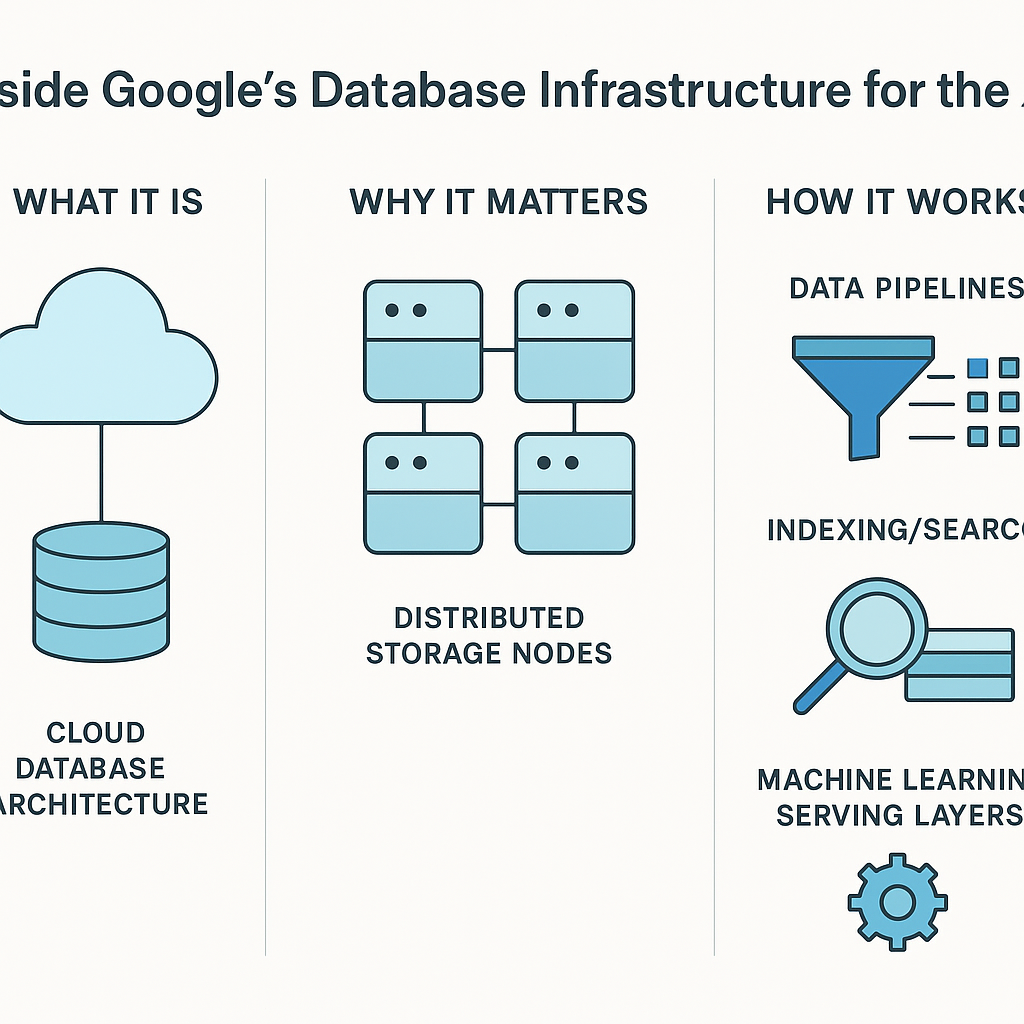
Google’s database infrastructure for the AI era is the collection of systems that store, move, serve, and protect data used by AI products at massive scale. That includes Spanner, Bigtable, Cloud SQL, AlloyDB, Memorystore, and the plumbing around them—replication, sharding, indexing, load balancing, and disaster recovery. It also includes internal tools for fleet management, observability, and recovery. Without that glue, AI apps fall over fast.
The reason this matters is simple. AI is hungry. It reads training data, feature data, vector data, metadata, prompt history, logs, embeddings, and user state, often all at once. And it wants that data now, not after a coffee break. When I worked on large-scale systems, the painful part was never just storing bytes. The pain was making those bytes show up at the right time, in the right place, with the right shape. That is where many teams crack.
Google has spent years building systems that can handle global traffic, strong or tunable consistency, and tough failure cases. A lot of people talk like databases are boring plumbing. They are not. They are the floor under the whole house. If the floor bows, the house does too. That is true whether you are running search, ads, maps, or an AI assistant.
For background on the distributed systems side, Google’s own papers and product docs are worth reading, especially on Cloud Spanner, Bigtable, and the classic Spanner paper. They are not bedtime stories, but they explain the bones of the system.
Here is the kicker: AI does not forgive sloppy data design. If your data is stale, your model gets stupid. If your writes are slow, your product feels broken. If your schema is a mess, your engineers will spend their days cleaning up after it. That is not innovation. That is janitorial work in a nice hoodie.
Core Benefits of This Infrastructure
The main benefit is scale without chaos. That sounds neat on a slide deck, but the real gain is that product teams can ship features without rebuilding the whole storage layer every six months. Google’s stack gives engineers room to move fast while keeping failure contained. In practice, that means fewer midnight pages and fewer “why is this region on fire?” messages.
- Low latency at global reach
AI apps need quick responses. Google’s distributed systems are built to serve users across regions without making every query cross an ocean. When I was at Microsoft, I learned that users do not care how elegant your architecture is. They care that the screen loads before they blink. - Consistency where it matters
Some data can be a little stale. Some cannot. Payments, identity, permissions, and critical state need stronger guarantees. Google’s stack lets teams choose the right tradeoff instead of pretending one model fits all. - Operational safety
Strong monitoring, backup, failover, and capacity planning keep small bugs from becoming big disasters. That is not glamour. It is discipline. And frankly, discipline is underrated. - Cost control
AI workloads can burn money like dry grass. Smart storage tiers, caching, and query tuning help reduce waste. Good stewardship matters here. A company should not pour compute into a hole just because nobody checked the bill. - Better developer velocity
Teams can build on managed services instead of inventing their own database from scratch. That leaves more time for the product itself. I saw this over and over at Amazon: the teams that respected infrastructure got to spend their energy on customers, not on preventable plumbing. - Support for mixed workloads
AI systems often mix transactional data, analytical data, and vector-style retrieval. Google’s approach recognizes that one database type is not enough.
If you want a practical look at the developer side of this, see Google Cloud’s architecture guidance for AI and analytics. It is dry, yes, but useful.
The deeper point is this: data infrastructure is a form of service. It serves users, engineers, and the business at the same time. Done well, it respects human time. Done badly, it wastes it. That matters more than people admit.
Step-by-Step Guide to Building Around This Model
If you want to borrow ideas from Google’s database approach, do not copy the logo. Copy the thinking. I’ve tested this pattern more times than I can count, and the same steps keep showing up.
- Classify your data first
Split data by purpose: transactional, analytical, vector, cache, log, and feature store. Do not force everything into one bucket because it feels tidy. It usually is not. Tidy is not the same as correct. - Pick the right storage engine
Use a relational system for strong consistency and core records. Use a wide-column store for massive scale and fast lookups. Use cache for hot reads. Use object storage for cheap, durable blobs. A sane stack is mixed. That is normal. - Set latency budgets
Decide what “fast” means before writing code. Is 50 ms okay? 200 ms? One second? If you do not set a budget, every team will make up its own, and the result will be mush. - Design for failure
Kill nodes in testing. Break networks in staging. Restore backups on purpose. That last one matters more than people like to admit. A backup you never restored is a wish, not a backup. - Build observability from day one
Track query time, lock waits, replication lag, CPU, memory, error rates, and cache hit rate. If you cannot see the problem, you cannot fix it. I’ve watched “mystery outages” turn out to be a single bad index and one ignored dashboard. - Protect data quality
AI systems are only as clean as the data feeding them. Validate schemas. Remove duplicates. Watch for drift. If you need a solid overview of bad data symptoms, this piece on data quality management is a useful companion. - Automate recovery and scaling
Manual scaling is fine for a demo. It is foolish at real load. Use autoscaling, failover automation, and runbooks. Humans are for judgment, not for copying config files at 3 a.m. - Choose consistency rules on purpose
For some AI features, eventual consistency is okay. For others, it is a mess. Tie the rule to the business need. A permissions check that lies is not a small bug. It is a trust problem. - Control cost with policies
Set retention rules, archive cold data, and size instances based on actual load. AI teams love hoarding data “just in case.” Sometimes that is wise. Often it is laziness dressed as prudence. - Review with real incidents
After every outage or slow query event, write down what failed and what you will change. Not a polished story. A blunt one. The point is learning, not theater.
I remember one project where the data team kept adding indexes to fix slow queries. Predictably, writes slowed down, then replication lag grew, then the whole thing got grumpy. The fix was not another index. It was a better access pattern and a less arrogant schema. That lesson sticks.
For teams using GCP, Spanner technical papers and Bigtable guidance are helpful if you want to go deeper.

Comparison Table: Google-Style Infrastructure vs. a Generic Single-Database Setup
| Feature | Google-Style AI Database Infrastructure | Generic Single-Database Setup |
|---|
| Scale | Built for global, distributed growth | Often hits limits fast |
| Consistency | Tunable by workload | Usually one model for all cases |
| Latency | Designed for low-latency reads and writes | Can slow down under mixed load |
| Failure handling | Replication, failover, recovery tooling | Basic backups, manual fixes |
| Cost control | Tiering, caching, workload-aware design | Harder to tune at scale |
| AI fit | Supports transactional, analytical, and retrieval needs | Often struggles with vector and feature data |
| Ops burden | More complex up front, easier at scale | Simple at first, painful later |
| Best for | Large AI products, global services, heavy traffic | Small apps, prototypes, narrow use cases |
The truth is that many teams pick the second path because it is cheaper to start. I get it. Budget meetings are real, and nobody enjoys asking for more infrastructure money. But I have seen enough production systems to say this plainly: the cheap choice often becomes the expensive one later.
That does not mean every startup needs Spanner. Of course not. Use the smallest thing that works. But know why it works, where it breaks, and what you will do when the load jumps. That is plain common sense, not wizardry.
If you want a strong primer on how distributed databases compare to simpler relational systems, this overview of distributed SQL architecture is helpful, even if you never use that product.
Common Mistakes to Avoid
Most advice on AI data platforms sounds polished. That is part of the problem. The usual mistake is treating database work like a purchase instead of a design problem. You buy a tool, point it at data, and then act surprised when the cracks show up. I’ve seen this movie too many times.
- Mistake 1: Assuming one database can do everything
No, it cannot. Not well. Transactional data, analytics, and embedding search each have different needs. If you force one engine to carry all of them, you get a slow, tangled mess. - Mistake 2: Ignoring schema drift
AI systems often grow by adding fields, sources, and pipelines. Soon the shape of the data changes every week. If nobody owns that change, your platform turns into a junk drawer. - Mistake 3: Overusing eventual consistency
This is one of those ideas that sounds smart in meetings and ugly in production. Eventual consistency is fine in the right place. It is not fine for every feature. Users do not care about your theory when their cart or permission check is wrong. - Mistake 4: Skipping backups and restore drills
Backups are not optional. Neither are restore tests. A lot of teams have backup jobs that have never been proven under pressure. That is not engineering. That is optimism wearing a hard hat. - Mistake 5: Letting cost go unchecked
AI pipelines can store the same data five times in five places. That kind of waste is common. Review retention, compression, duplication, and query patterns. Be a good steward of the resources you were given. - Mistake 6: Forgetting the human side
Data systems are for people. If your setup makes engineers afraid to deploy, or makes analysts wait three hours for a query, the system is failing its real purpose.
The Catholic habit of thinking about stewardship helps here. Tools, compute, and data are not magic toys. They are gifts with a duty attached. Use them well. Waste less. Serve more.
I also want to push back on the shiny “AI-ready” label. That phrase is thrown around like confetti. Most systems are not AI-ready. They are merely expensive. Real readiness means clean inputs, safe storage, and a design that survives bad days.
For more on reliability practice, Google’s own Site Reliability Engineering book remains one of the best public references. It is not flashy. That is why it works.
Frequently Asked Questions
What databases does Google use for AI systems?
Google uses a mix of databases and storage systems, including Spanner, Bigtable, relational services, caches, and object storage. The right choice depends on consistency, latency, and scale needs.
Why is database infrastructure so important for AI?
AI systems depend on data being fresh, clean, and fast to access. If the database layer is slow or messy, the model and the product both suffer. Garbage in, garbage out still applies. Old rule. Still true.
Is one database enough for an AI product?
Usually no. Most AI products need more than one storage type because they handle transactions, analytics, logs, embeddings, and caches. One engine can work for a while, then the wheels start wobbling.
What is the biggest mistake teams make?
They wait too long to design for scale, quality, and recovery. They build first, then panic later. That is backwards. Planning is cheaper than fixing a live system under pressure.
Final Thought
Good database infrastructure is quiet when it works. That is the point. It lets engineers build, users trust, and products grow without making a circus of every request. I’ve spent enough years in big tech to know that the best systems are often the ones nobody brags about at lunch. That silence is earned.
If there is one lesson I keep carrying, it is this: data systems should serve people, not the other way around. That lines up with simple moral common sense, and with the dignity of work too. Build with care. Measure what matters. Fix what breaks. Keep your hands off the cheap shortcuts that become expensive sins later. That is the real art, and it is worth doing well.
— Ermenildo Valdez Castro, Jr.