Cursor’s agent-based coding workflows are a practical shift in how developers use AI. Instead of treating the tool like a chat box that spits out snippets...
Cursor’s agent-based coding workflows are a practical shift in how developers use AI. Instead of treating the tool like a chat box that spits out snippets, teams can give it larger tasks, let it inspect code, plan edits, and carry out work across files with less hand-holding. I’m Ermenildo V Castro, and after years of wrestling with code at Google, Microsoft, Amazon, and Zulily, I can say this: the idea is simple, but the discipline needed to use it well is not.
Key Takeaways:- Agent-based workflows let AI handle multi-step coding tasks, not just quick prompts.
- They work best when codebases, permissions, and review steps are clear.
- The real win is speed with control, not blind automation.
- Teams need guardrails, logs, and human review before trusting agent output.
- The smarter the agent, the more important the human becomes.
What is Cursor’s agent-based coding workflow?
Cursor’s agent-based coding workflow is a mode where the AI does more than answer a question. It reads context, proposes changes, edits files, and can keep working through a task until it reaches a goal. That sounds neat, and it is, but the real value is not magic. It is fewer tiny interruptions.
In plain terms, the workflow changes the unit of work. You stop asking, “Write this function.” You start asking, “Fix this bug across these files and keep the tests green.” That is a different beast. It looks a lot like giving a junior developer a ticket, except the agent has no pride and no common sense unless you force both into the process.
I have seen this pattern before. At Microsoft, automation only helped when the boundaries were clear. At Amazon, anything that touched production needed tight logging, a rollback path, and a reviewer who cared enough to check the details. Cursor’s agent mode follows the same logic. It is useful because it can search, plan, and edit at a pace no human can match. But it still needs a fence.
The rise of these workflows also fits the larger shift in AI coding tools. GitHub Copilot brought fast suggestions. Chat-based assistants brought back-and-forth help. Agent-based systems go one step farther by chaining actions. That makes them closer to a lightweight teammate than a search bar.
If you want the broader context, see how AI coding tools are changing developer work, and compare this with mastering AI agent context limits because that problem still bites hard. Bigger context does not mean better judgment. Not even close.
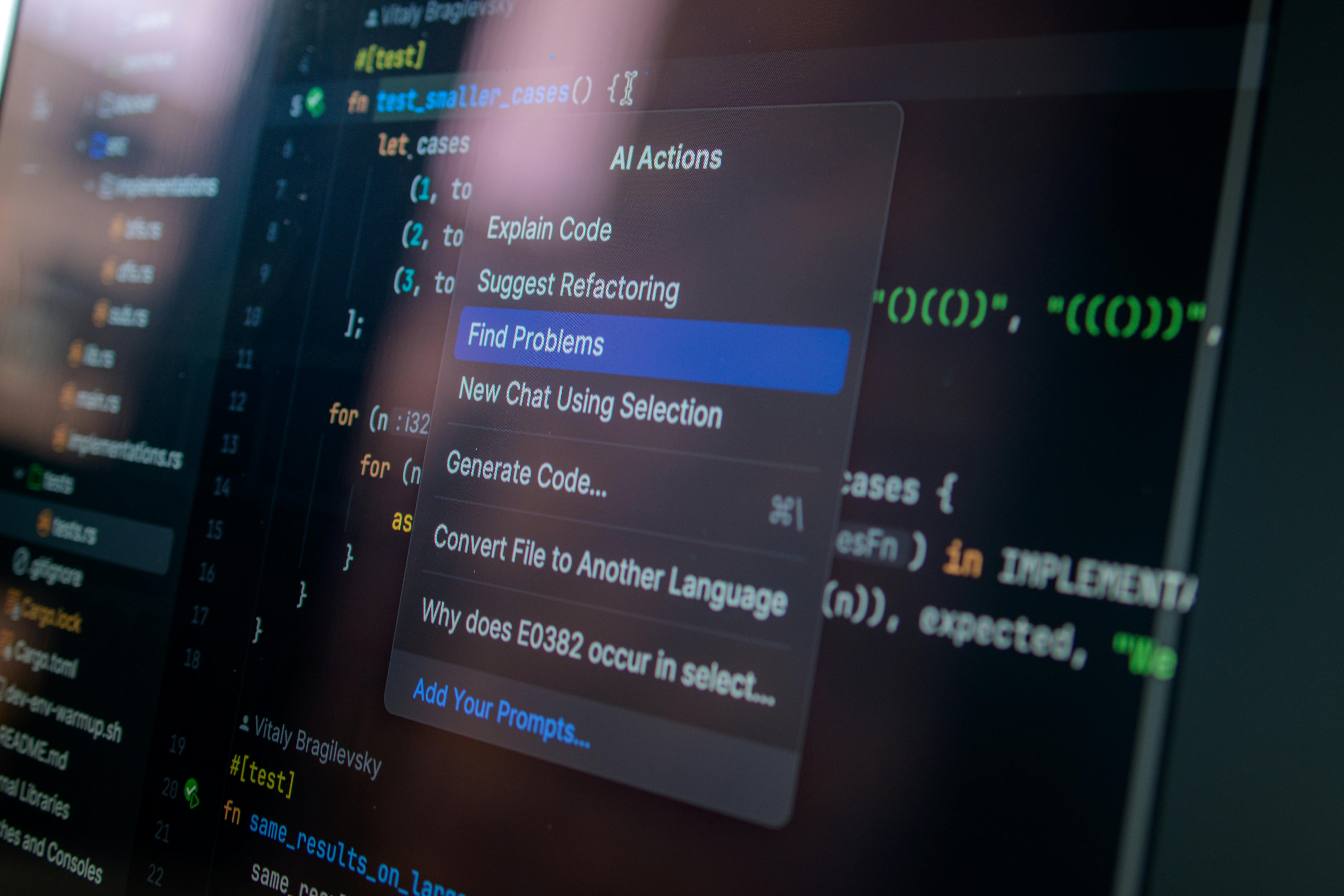
Here’s the kicker. The best agent workflow is not the one that does the most. It is the one that does enough without making a mess. That matches a basic moral idea too: tools should serve people, not bully them. Work has dignity when humans remain responsible for the result.
Core benefits and why this matters
Agent-based coding is not about replacing engineers. That claim is cheap, and frankly, lazy. The actual gains are narrower, but real. You get less context switching, faster boring work, and better follow-through on tasks that normally stall halfway through the day.
- Less tab hopping: The agent can inspect files, search the codebase, and make edits without you bouncing between windows every 30 seconds. I have lost hours to that nonsense. Most engineers have.
- Faster first drafts: For repetitive refactors, test scaffolding, or API wiring, the agent gets you to a reviewable draft much faster than starting cold.
- Better task continuity: A good agent remembers the ticket, keeps working, and does not get tired after lunch. Humans do. That is not an insult. It is biology.
- Useful for large codebases: In big repos, simple prompts fail because the answer depends on many files. Agent mode can trace dependencies and surface the right spots faster.
- More time for judgment: This is the part people ignore. When the machine handles the dull parts, the human can focus on architecture, correctness, and trade-offs.
When I worked on large systems, the real bottleneck was rarely typing. It was figuring out where the problem lived. Agent-based workflows help with that hunt. They can scan logs, inspect references, and propose changes across layers. That matters in enterprise software, where a bug in one service can hide behind three more.
It also helps smaller teams. A startup with five engineers cannot afford to waste half a day on glue work. An agent can take the first pass at a migration, a test fix, or a broken endpoint. Still, I would not trust it with anything fragile without review. Fool me once, and the pager gets loud.
This is also where AI and modern languages boost team efficiency becomes relevant. Clean code, strong typing, and sane module boundaries make agents better. Bad structure makes them wander like a lost tourist in Seattle rain.
There is a stewardship angle here too. If talent is a gift, then using tools wisely is part of the job. We are supposed to build things that help people, not just things that impress a demo room.
How to implement agent-based workflows the right way
Start small. That sounds boring, because it is, and it works.
- Pick one narrow task. Use a task with clear boundaries, like fixing lint errors, updating imports, or writing tests for one module. Do not hand it your biggest service on day one. That is how teams end up with a pile of weird diffs and a bad afternoon.
- Set the rules before the agent runs. Tell it where it can edit, what commands it may use, and what counts as done. Good guardrails beat hopeful vibes every time. If the workflow touches production code, require a review before merge.
- Give it strong context. Point it at the relevant files, issue notes, and failing test output. Weak context leads to wandering. Strong context leads to useful edits. I have tested this enough times to know that the prompt is not the whole story; the file tree matters just as much.
- Make tests part of the loop. Do not accept code changes without verification. If the agent can run tests, let it. If it cannot, make the review process stricter. A tool that cannot prove anything is just a fast guesser.
- Watch the diffs. Read every line. Agent output often looks polished while hiding small mistakes in naming, edge cases, or error handling. That is where the trouble lives.
- Keep a rollback path. This is not optional. I learned this the hard way years ago, and the lesson has not changed. If the agent makes a bad change, you need a clean undo.
- Measure before you widen scope. Track time saved, defects introduced, and how often humans still had to clean up the mess. If you only measure speed, you will fool yourself.
If you want practical guardrails for this kind of setup, read isolating dynamic AI agent code execution with Cloudflare’s API. That topic is not flashy, but it matters. Fast code execution without containment is how teams end up with avoidable risk.

Here’s the truth. Agent mode works best when it feels slightly boring. Good systems are often plain. They make the right thing easy and the wrong thing hard. That is also how decent engineering ethics should work.
Comparison Table
| Feature | Cursor agent-based workflow | Traditional AI chat coding |
|---|
| Task size | Multi-step work across files | Small, isolated prompts |
| Context use | Reads repo context and edits directly | Relies on pasted snippets |
| Output style | Can take actions and iterate | Mostly suggests text |
| Speed on repetitive work | High | Moderate |
| Human oversight needed | Still high, but structured | High, often manual |
| Best use cases | Refactors, test fixes, issue triage | Snippets, explanations, quick examples |
| Risk profile | Higher impact if guardrails are weak | Lower impact, but easier to drift |
| Team fit | Strong for mature teams with review process | Good for ad hoc help and learning |
The difference is not subtle. Chat helps you think. Agent mode helps you act. That sounds small, but it changes the whole rhythm of development.
Common mistakes to avoid
Most bad outcomes here do not come from the agent being evil. They come from teams being sloppy. I have seen this pattern too many times, and it starts with wishful thinking.
- Trusting output too fast: Just because the patch looks tidy does not mean it is correct. Agents can produce confident garbage. Humans do that too, but at least we can be embarrassed by it.
- Giving huge tasks too early: Do not start with “modernize the app.” Start with one module. Then another. Then another.
- Skipping tests: This is the classic sin. If you skip verification, you are not using AI well. You are just moving the bug around faster.
- Using vague prompts: “Improve this” is not a plan. Be specific about behavior, files, and success criteria.
- Ignoring permissions: If the agent can edit everything, it will eventually edit the wrong thing. Limit access.
- Measuring only speed: Fast broken work is still broken. A lot of managers miss that.
- Forgetting code review culture: Agent output still needs a human with taste, patience, and enough courage to say no.
Everyone talks about best practices, but few explain why teams fail. My view is simple. They skip the hard part because the demo looked easy. It never is. Real code has history, exceptions, and weird corners from three teams ago.
If you want to see how teams are thinking about broader AI limits, AI agent context limits is worth a look. Context windows help, but they do not replace judgment. Not even a little.
There is also a deeper issue. Software work shapes real lives. That means quality is not just a technical matter. It is a duty. A sloppy workflow can waste hours for customers, support staff, and other engineers. That is not abstract. That is somebody’s Tuesday.
Frequently Asked Questions
Q1: Is Cursor’s agent mode better than GitHub Copilot?
Cursor’s agent mode is better for multi-step tasks and repo-wide edits. Copilot is stronger for inline suggestions and small bits of code. Different tools. Different jobs.
Q2: Can agent-based workflows replace developers?
No. They can remove some repetitive work, but they still need human direction, review, and responsibility. Anyone claiming full replacement is selling noise.
Q3: What kind of tasks work best?
Refactors, test creation, bug fixes, documentation updates, and repetitive code edits. Tasks with clear scope work best. Messy strategy work still needs a person.
Q4: What is the biggest risk?
Bad edits that look correct. That is why tests, permissions, and review matter so much. Fast mistakes are still mistakes.
Final Thought
Cursor’s agent-based workflow is not a miracle. It is a sharper tool in a shop full of sharp tools. Used well, it saves time and cuts drudge work. Used badly, it creates more cleanup than progress. That is the whole story, really. I have seen enough platform shifts at Google, Microsoft, Amazon, and Zulily to know this much: the teams that win are the ones that respect limits, keep their standards high, and remember that work is for people, not the other way around. Ernie Castro would tell you the same thing, probably in fewer words and with a raised eyebrow.
The AI agent wave will keep growing. Fine. Let it grow. But keep the review habit, the rollback plan, and the sense that software should serve the common good. That is how you get real value instead of shiny trouble.