Biome is an open source toolchain for web projects that combines formatting, linting, and related checks into one fast package. That matters because modern...
Biome for Web Projects: One Fast Toolchain for Formatting, Linting, and Less Headache
Biome is an open source toolchain for web projects that combines formatting, linting, and related checks into one fast package. That matters because modern front-end stacks collect tools like spare socks in a laundry basket, and each extra piece adds config, wait time, and mistakes. I’m Ermenildo V Castro, and I’ve seen this mess at Google, Microsoft, Amazon, and Zulily.
Key Takeaways- Biome cuts tool sprawl by putting common web checks in one place.
- It can replace or reduce the need for separate formatter and linter setups.
- Speed matters, but so does consistency across teams.
- It is not magic. You still need good rules and review.
- For many JavaScript and TypeScript teams, it can trim setup time and pain.
What is Biome?
Biome is an open source toolchain for web projects that handles formatting and linting with one codebase and one config style. That sounds plain because it is plain. Good tools should reduce noise, not add more of it. The project grew out of the Rome effort, and its goal is simple: give web teams a fast, integrated way to keep code neat without juggling a pile of separate tools.
I have spent enough years in big codebases to know the real problem is rarely syntax. The real problem is drift. One team likes Prettier. Another team adds ESLint rules. A third team pins old plugins because nobody wants to touch the build on Friday. Then a small config change breaks five things and no one wants to own the mess. That is how technical debt grows teeth.
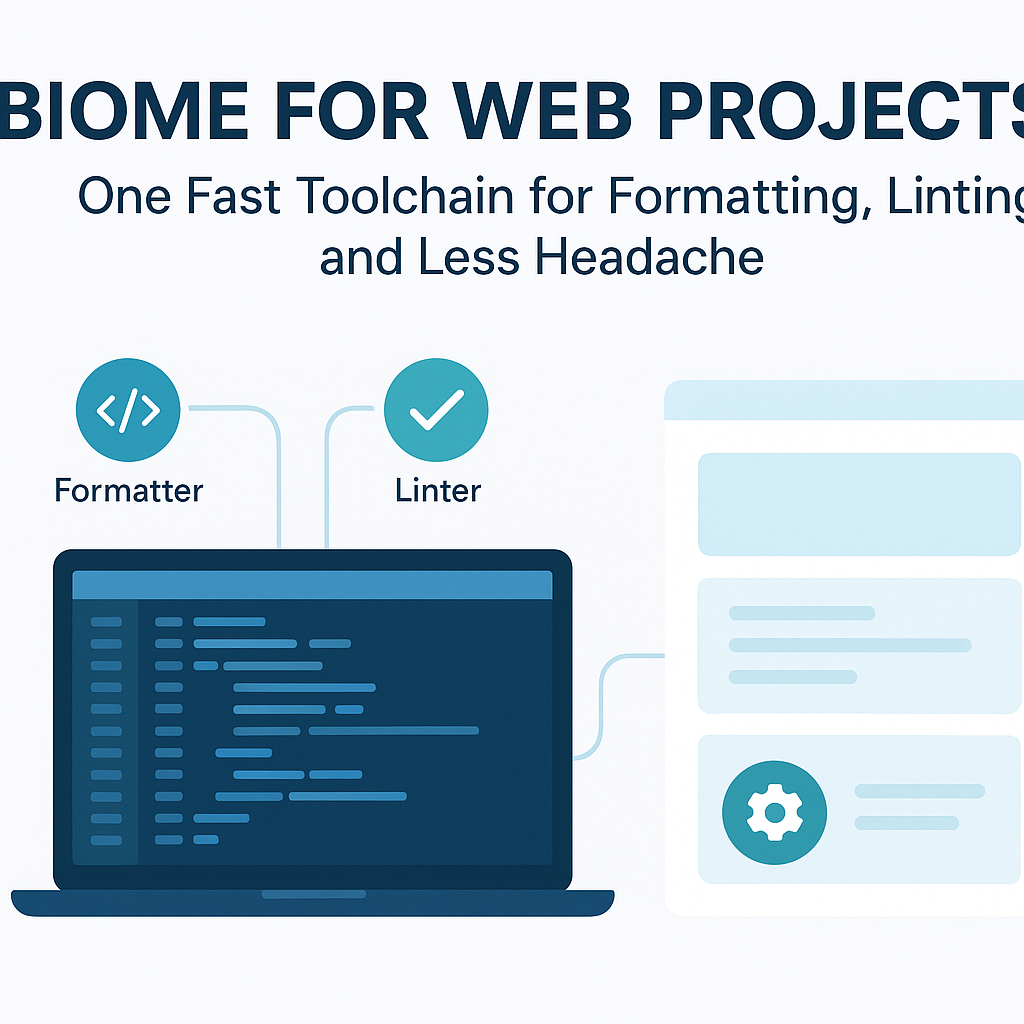
Biome tries to shrink that mess. It ships a formatter, a linter, and related helpers in one package. It focuses on JavaScript, TypeScript, JSX, and TSX, which is where most modern web teams spend their time. It uses Rust under the hood, which helps with speed and memory use. Fast feedback is not a luxury. It is stewardship of time, and time is not cheap.
For the official view, I recommend the Biome documentation. If you want to compare the shape of the ecosystem, the Prettier site and ESLint site are the obvious yardsticks. Those tools still matter. Biome just tries to reduce the number of moving parts. Frankly, that is often the right call.
Core Benefits/Importance
Biome matters because teams do not have endless patience. They want fast checks, fewer config files, and less time arguing over semicolons. I have watched smart engineers lose half a day because a plugin chain fought itself. That is silly. Work should serve people, not the other way around.
- Less tool sprawl: One tool can cover common formatting and linting tasks, which means fewer packages to install, update, and explain.
- Fast runs: Rust-based internals help keep feedback quick, which is useful in editors and CI.
- Simple setup: A single config can be easier to understand than a patchwork of formatter, linter, and plugin settings.
- Better consistency: Teams are less likely to end up with different formatting rules in different apps.
- Lower maintenance: Fewer dependencies often mean fewer breakages after upgrades.
When I worked on large engineering teams, the best tools were the ones nobody had to babysit. People talk about “best practices” like they are magic. They are not. If a tool takes too long to run, developers stop using it. If a config takes an hour to explain, new hires make mistakes. Biome helps by cutting friction at the small moments where teams usually bleed time.
There is also a moral piece here, if you want the plain truth. Good software work respects other people’s labor. If I can make code easier to read, easier to check, and easier to maintain, then I am not just saving minutes. I am treating coworkers as people, not machines. That matters in any honest shop.
For a broader view on tool choices, see this practical guide on TypeScript because Biome fits best where TypeScript and modern JavaScript already live. If your team still needs separate lint rules, you can read more about ESLint configuration. I’m not here to sell fairy dust. I’m here to say the reduction of clutter is often the real win.

Step-by-Step Implementation/Guide
Setting up Biome is not hard. That is the good news. The bad news is that teams still manage to make it harder than it needs to be. Here is the clean path.
- Check your project fit. Biome works best with JavaScript, TypeScript, JSX, and TSX projects. If your stack depends on a dozen niche plugins, pause first and compare what Biome covers.
- Install Biome. Add it to the project using your package manager of choice. Keep the install local at first. Global tools tend to create surprise problems later.
- Create the config. Start with the default config and resist the urge to edit ten rules on day one. Most teams do not need that kind of drama.
- Run formatting first. Clean up whitespace and style issues before you turn on strict lint gates. Otherwise you bury useful errors under a pile of cosmetic noise.
- Review lint findings. Turn on the checks that solve actual bugs or readability problems. Do not copy every rule from the internet. Half of them were chosen by people with too much time.
- Wire it into CI and editors. Make sure the same checks run in pull requests and in local development. Consistency beats heroics.
- Measure the result. Look at install size, check speed, and the number of config files you removed. If nothing improved, then be honest and stop pretending.
I have done this kind of rollout more than once. The trick is to keep the first pass boring. Boring is good. Boring means stable. At Amazon, the best internal tooling work was usually the work that vanished into the background because nobody had to think about it twice.
For extra reading, the Node.js documentation helps when your scripts and CI jobs need a home. If you want to understand how code formatters reduce style debates, the Prettier docs are useful as a baseline. The point is not to collect tools like trophies. The point is to ship sane code.
Comparison Table
Here is the plain comparison most teams actually want.
| Feature | Biome | ESLint + Prettier |
|---|
| Formatting | Built in | Usually Prettier |
| Linting | Built in | ESLint |
| Setup complexity | Lower | Higher |
| Performance | Fast | Can be slower with plugins |
| Plugin ecosystem | Smaller | Much larger |
| Configuration burden | Less | More |
| Best for | Modern web projects wanting simplicity | Teams needing mature, specialized rules |
The table is not a verdict. It is a map. If you need deep ecosystem support, ESLint still has more muscle. If you want a cleaner starting point, Biome is attractive. I have seen teams waste months over tool choice when they should have spent that energy on product work. Choose the tool that lowers friction without pretending to solve everything.
Common Mistakes to Avoid.
The usual advice says, “Just switch and you will be fine.” That is nonsense. Tooling changes fail for boring reasons, not heroic ones.
- Turning on too many rules at once: This creates a wall of warnings, and people ignore the whole thing.
- Copying old ESLint habits blindly: Biome is not just a drop-in clone. Treat it like a different tool.
- Skipping team review: If developers do not agree on the rules, they will fight the tool later.
- Forgetting editor support: If formatting does not run in the editor, people will drift.
- Expecting perfect plugin parity: Biome does not match every niche ESLint plugin, and pretending otherwise is how projects get stuck.
I have made the mistake of over-configuring tools because I thought control meant quality. It does not. Quality comes from good defaults, clear ownership, and a bit of restraint. There is wisdom in not adding one more rule just because you can. That is true in software and in life.
Another common slip is failing to check team workflows. If your CI is slow, people will bypass it. If your local setup is confusing, new engineers will distrust it. So keep the rollout simple. Measure the effect. Then adjust. That is the honest way to run engineering work.
Frequently Asked Questions
Is Biome a replacement for ESLint and Prettier?
Sometimes, yes. For many projects it can replace the common formatting and linting setup. For teams with heavy plugin needs, it may be only part of the stack.
Is Biome fast?
Yes. Speed is one of its main selling points. It is designed to give quick feedback in editors and CI.
Does Biome support TypeScript?
Yes. TypeScript support is a major part of the project.
Should every team switch?
No. Teams should compare their rules, plugin needs, and migration cost before changing tools.
Final Thought
Tooling should serve the craft, not become the craft. I have spent enough years in software to know that the cleanest setup is usually the one that disappears into the work. If Biome helps your team write clearer code with less fuss, then it has done its job. If not, leave it. No shame in that. I’m Ernie Castro, and I prefer tools that respect time, talent, and the people doing the labor.