AI coding tools are no longer toys. They are becoming part of the daily build process, and that shift is changing how engineers write, review, and ship...
AI Coding Tools Are Now Core Infrastructure: What Sonar’s Survey Means for Developers
AI coding tools are no longer toys. They are becoming part of the daily build process, and that shift is changing how engineers write, review, and ship software. I’m Ernie Castro, and I’ve watched this pattern before: a shiny tool appears, teams mock it, then it quietly becomes standard equipment. This time the pace is faster, the stakes are higher, and the noise is louder.
Key Takeaways- AI coding tools have moved from experiment to routine.
- Teams now treat code quality and security as non-negotiable, not optional.
- The best results come from pairing AI speed with human review.
- Sonar’s survey reflects a real shift in developer habits and expectations.
- The winning teams use AI with discipline, not blind trust.
What are AI coding tools?
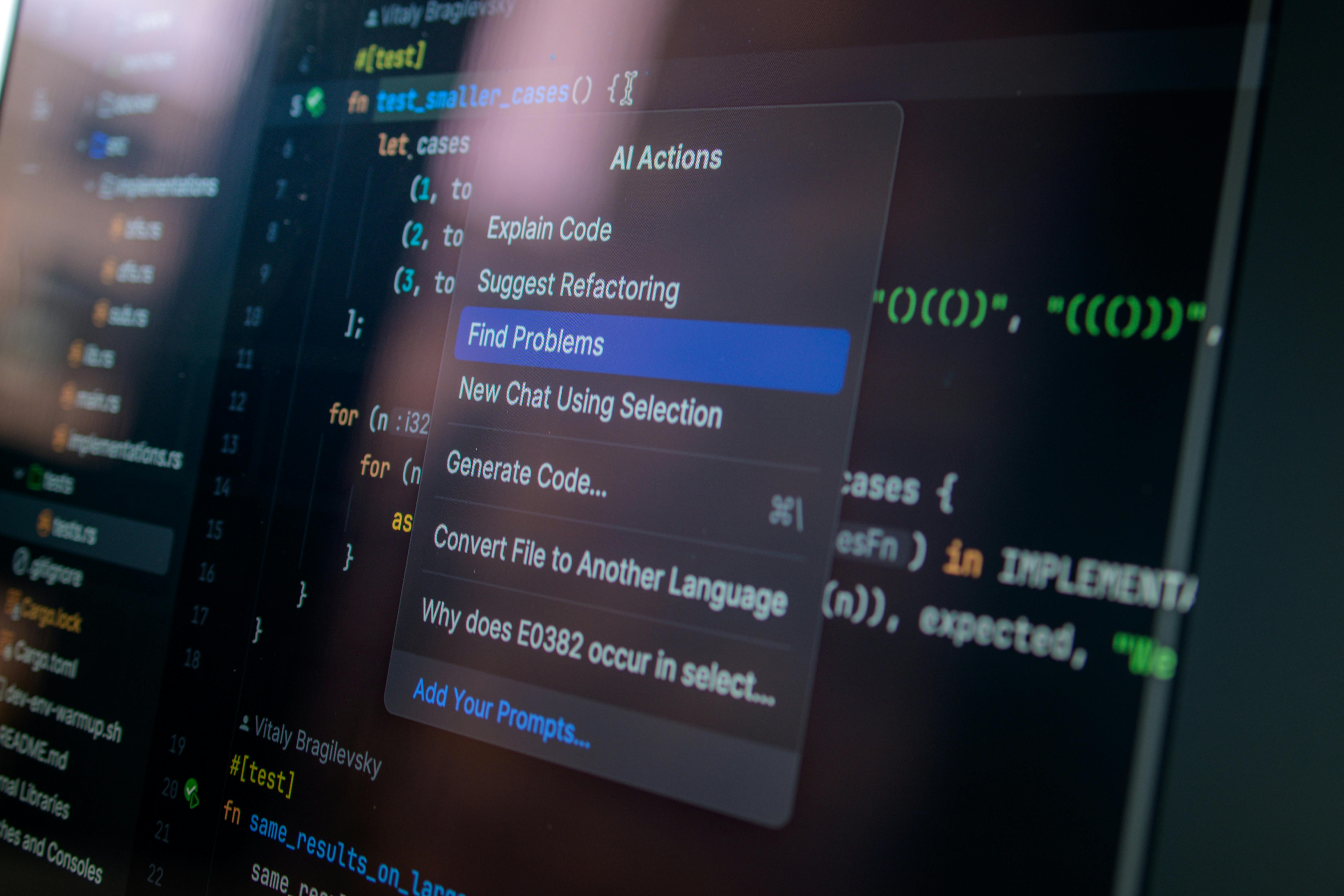
AI coding tools are software assistants that help people write, edit, explain, test, and review code. They can suggest functions, fill in boilerplate, summarize files, spot bugs, and draft tests. Some tools live inside editors. Others sit in pull requests, CI pipelines, or security scanners. The main idea is simple: let the machine do the grunt work so the human can think.
That sounds neat, but the real story is messier. In practice, these tools are not just autocomplete on steroids. They are changing the shape of the job. When I worked on large codebases at Microsoft and Google, a lot of time went into finding the right file, remembering old patterns, and cleaning up the same boring mistakes. AI tools shave off some of that drag. They do not replace judgment. They reduce friction.
Sonar, which focuses on code quality and security, recently released a survey showing that AI coding tools have moved fast from novelty to daily use. That matches what I have seen in production teams: people start with a chat window, then move to editor plugins, then lean on AI for tests, refactors, and code reviews. Before long, it becomes part of the workflow, like Git or CI. Sonar’s research and analysis reflects that shift well.
Here’s the kicker. Once a tool gets into the daily path, it stops being optional. Teams begin to depend on it for speed, consistency, and coverage. That means the standards around output must get tighter, not looser. If the code is machine-assisted, the review must be sharper. That is just stewardship, plain and simple. Talent is a gift, and so is time. Waste neither.
In my experience, the best teams treat AI coding tools as assistants, not authors. The worst teams treat them as magic. Magic is for stories. Production systems need proof.
Why AI coding tools matter
- They reduce busywork. I’ve seen engineers lose half a morning writing test scaffolding, import blocks, and small utility functions. AI can draft those in seconds. That frees people to focus on design, edge cases, and real bugs.
- They speed up onboarding. New hires often struggle with unfamiliar codebases. AI can explain modules, trace call paths, and summarize old logic. That said, it still needs supervision. A helpful assistant is not a substitute for context.
- They improve consistency. When used well, AI tools can suggest patterns that match a team’s style. That matters in large organizations. A messy codebase is a tax on everyone who touches it.
- They help with testing. Test coverage is one of the first things teams promise and one of the first things they neglect. AI can draft unit tests and edge-case checks, which is useful when deadlines are tight. GitHub Copilot documentation shows how these tools are now embedded directly into developer workflows.
- They support code review and quality. This is where Sonar’s angle matters. Speed without quality is just a faster way to create mess. Tools like SonarQube and SonarCloud focus on bugs, code smells, and security findings. That balance is important. A good system should help you write code and help you judge it.
- They raise expectations. This is the part people do not like to admit. Once teams see what AI can do, they expect more automation. More generated code. More auto-fixes. More summaries. More help. That pressure is real, and it will not fade.
I’ve tested enough systems to know this: the best tool is the one that disappears into the work without taking over the work. That is the sweet spot. Not flashy. Not loud. Just useful.
And there is a moral layer here, even if nobody wants to say it out loud. Good software affects real people. When we write safer code, we reduce harm. When we respect the dignity of the people who use our systems, we do better engineering. That is not fancy language. It is common sense with a conscience.
How to adopt AI coding tools the right way
- Pick one clear use case. Start with tests, boilerplate, or code explanation. Do not try to automate everything in one shot. That is how teams create confusion and blame the tool when the process was rotten from the start.
- Set rules for human review. Every AI-generated change should be checked by a person who understands the code. No exceptions. If you would not merge a junior engineer’s work without review, do not merge AI output without review either.
- Measure what changes. Track lead time, defect rate, test coverage, and review time. If the tool saves time but raises bug counts, then it is not helping. Numbers matter more than hype. IBM’s overview of AI code generation is a useful background piece on how these systems work.
- Use quality gates. Run static analysis, linting, tests, and security checks on AI-assisted code. Sonar’s role here is obvious. AI should feed the pipeline, not bypass it.
- Train the team on prompt discipline. Bad prompts create bad output. Ask for constraints, style, edge cases, and tests. Be specific. Vague requests produce vague code. That’s not a mystery.
- Start small, then widen. Once the team trusts the workflow, expand to refactors, documentation, and code review summaries. Do not jump straight to full automation of critical paths.
When I worked on large-scale systems at Amazon, the biggest failures were rarely dramatic. They were small, repeated mistakes that piled up because nobody wanted to slow down. AI tools can make that worse if you rush. They can also make it better if you use them with discipline.
The rule is simple. Let the machine do the fast draft. Let the human do the judgment. That division protects quality, protects users, and respects the work itself.

AI coding tools vs. traditional development tools
| Feature | AI Coding Tools | Traditional Development Tools |
|---|
| Code generation | Drafts functions, tests, and docs quickly | Manual writing by developer |
| Code review help | Suggests fixes, spots patterns, summarizes changes | Relies on human review and static rules |
| Learning support | Explains unfamiliar code and APIs | Docs, wikis, and mentoring |
| Speed | Very fast for repetitive work | Slower, but often more deliberate |
| Risk | Can produce plausible but wrong code | Lower hallucination risk, but slower output |
| Best use | Boilerplate, tests, refactors, summaries | Deep design, architecture, final judgment |
| Main weakness | Overtrust, weak context, false confidence | Time cost, manual effort, inconsistent adoption |
The biggest competitor to AI coding tools is not another AI tool. It is the old habit of doing everything by hand. That habit has virtues. It builds skill. It reveals edges. It forces thought. But it also wastes time on work that machines can handle.
The trick is balance. Use AI where it saves effort. Use traditional tools where precision matters most. That is the sane middle path.
If you want more on the quality side, read Sonar’s product documentation and compare it with the editor-first approach in VS Code Copilot guidance. They solve different problems. Together, they cover more ground.
Common mistakes teams make
Most advice around AI coding tools is too cheerful. Frankly, that is a problem. The tools are useful, yes, but the errors are predictable, and teams keep making the same ones.
- Trusting output because it looks clean. AI can write code that reads well and still fail in edge cases. Pretty output is not proof.
- Skipping tests. This is the classic mistake. If AI writes code and nobody tests it, you have simply accelerated ignorance.
- Using vague prompts. “Build this feature” is lazy. Tell the tool what stack, what constraints, what input, what output, and what should never happen.
- Ignoring security. AI may suggest unsafe patterns, weak validation, or old library calls. Security is not a nice-to-have. It is part of your duty to users.
- Replacing thinking with speed. This is the big one. AI tools can tempt teams to stop reading code carefully. That is how small defects turn into public failures.
- Failing to define ownership. Who approves AI-generated code? Who checks the prompts? Who handles bad output? If nobody owns it, the process will drift.
I have seen teams at scale fall into what I call “automation theater.” They buy the tool, show the slide, and then act surprised when nothing improves. That is pure nonsense. Tools do not fix weak habits. They expose them.
There is also a work ethic issue here. Good engineering honors the people who depend on the system. That means careful review, honest reporting, and no pretending that machine output is above scrutiny. The work matters. People matter. So act like it.
Frequently Asked Questions
Are AI coding tools replacing developers?
No. They are changing the job, not removing the need for engineers. Good software still needs design, trade-offs, review, testing, and accountability. AI helps with speed, but humans still carry responsibility.
How much code can AI generate safely?
There is no magic percentage. The safe amount depends on the team, the codebase, and the review process. For low-risk boilerplate, AI can do a lot. For security-sensitive or business-critical code, keep the human firmly in charge.
What should teams measure when using AI coding tools?
Measure defect rates, review time, test coverage, cycle time, and production incidents. If AI improves speed but hurts quality, it is not helping. Use data, not applause.
How do quality tools like Sonar fit in?
They act as a second line of defense. AI can generate code fast, while quality tools check for bugs, smells, and security issues. That combination is stronger than either one alone.
Final thought
The rise of AI coding tools is not a small trend. It is a change in how software gets made. I’m Ermenildo V Castro, and after years in big tech and startup chaos, my view is blunt: the teams that win will not be the ones that use the most AI. They will be the ones that use it with discipline, honesty, and care.
That is the part people keep skipping. Speed is easy to brag about. Judgment is harder. But judgment is what keeps systems safe, useful, and worthy of trust. In the end, software is human work, even when a machine helps write it. Treat it that way.