AI coding assistant hallucinations happen when a model invents a dependency, API, or security recommendation and presents it as if it were true. In a build...
AI Coding Assistant Hallucinations: How to Catch Fake Packages and Unsafe Code
AI coding assistant hallucinations happen when a model invents a dependency, API, or security recommendation and presents it as if it were true. In a build pipeline, that mistake can become executable code, an untrusted package, or an exposed service. Treat generated suggestions as untrusted until you verify them.
I’m Ermenildo Castro, and years of working with software teams have taught me a plain rule: speed helps only when the result is sound. AI assistants can save time on repetitive code, but they can also produce polished mistakes faster than a reviewer can read them. The risk is not that every suggestion is wrong. It is that a wrong suggestion can look ordinary, fit the code around it, and slip through a rushed review.
The concern reaches beyond bad code. A fabricated dependency may not exist today, but someone could register its name tomorrow. A generated authentication example may compile while using a weak pattern. This is why security checks should sit in the development pipeline, not depend on a developer remembering to be suspicious every time autocomplete offers a neat answer.
What Are AI Coding Assistant Hallucinations?
An AI coding hallucination is a plausible-looking answer that is not grounded in facts. A language model generates text by predicting likely next pieces of text from patterns it learned. It does not automatically know whether an API exists, whether a package is safe, or whether a security practice is still recommended. Unless a tool checks those facts, the model can fill a gap with something that merely sounds right.
That distinction matters. A model may confidently suggest a library with a familiar name, invent a method that matches an SDK’s style, or use an old example that no longer fits current guidance. It is not deliberately lying. But the result can still mislead the person who uses it.
Code makes the problem harder to spot than a false claim in ordinary prose. Names follow familiar conventions. Syntax can be correct. The code may even compile if the invented function happens to resemble a real one or if the package name has already been registered. A green build proves that a program passed certain checks; it does not prove the code is secure or the dependency is trustworthy.
I learned to look past tidy diffs. In one review, a small helper function appeared to remove a few lines of boilerplate, and the surrounding code looked reasonable. The useful question was not whether the suggestion looked clean. It was whether the library and behavior had a trusted source, a maintained release, and a clear reason to be there. That extra check took less time than fixing a dependency problem later.
The same rule applies to answers about authentication, encryption, cloud permissions, and input validation. A model can combine a correct concept with a stale detail. It can also omit a key safeguard while explaining the parts it did include in a confident tone. Fluent output is not verified output.
For a useful framing, OWASP’s large language model application security guidance covers risks that arise when people trust model output too readily. Teams should treat AI suggestions as drafts that need evidence, just as they would treat code from an unfamiliar contributor.
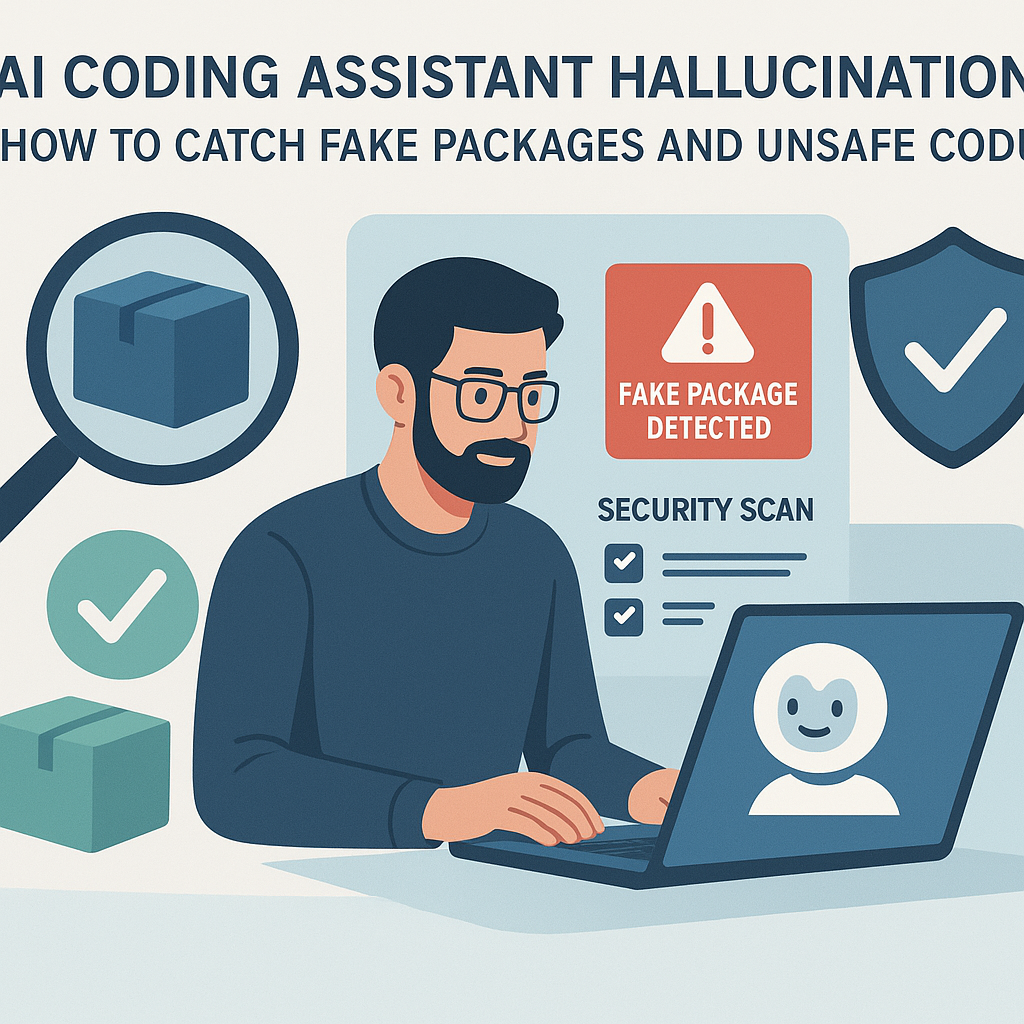
Why AI Hallucinations Matter for Software Security
They turn a small mistake into a supply-chain opening. Researchers studying output from 16 code-generating models found that roughly one in five recommended dependencies in their tests pointed to packages that did not exist. Their test set contained more than 205,000 unique fabricated package names. Those figures describe the study, not a universal rate for every model or coding task, but they show why package suggestions deserve scrutiny. See the researchers’ analysis of package hallucinations for the details.
The threat is easy to understand. A developer asks for a package, receives a convincing name, and runs an install command. If nobody has registered that name, the install fails. But an attacker could register it first, publish harmful code, and wait for the next developer or automated tool to install it. The malicious package may run scripts or execute code with the permissions available to the build process.
Researchers call this pattern slopsquatting. Unlike ordinary typosquatting, it does not depend on a developer mistyping the name of a popular package. It exploits a name that a model tends to invent. A study found fabricated names could recur across model outputs, which makes the idea more practical than a one-off random guess. Still, a fabricated name does not automatically mean an attack has happened. The danger appears when someone registers the name and a developer installs it without checking.
There is a second risk: generated security logic can be wrong even when every dependency is real. A model might suggest SMS codes for an important account without explaining their limits. It might produce a broad cloud role with permissions the application does not need, use a deprecated cipher suite, or omit a check that prevents a common attack. The code can pass a basic test and still leave a real gap.
The practical response is not to ban useful tools. It is to check their work at the point where it can cause harm. Dependency verification, limited build permissions, and security review protect both the codebase and the people who rely on it. That is ordinary stewardship of a team’s tools and responsibilities, not red tape.
A Practical Workflow for Safer AI-Assisted Coding
Use a repeatable process. Do not make security depend on who happens to be reviewing a pull request that day.
- Decide which work the assistant may do. Let it draft low-risk boilerplate, tests, or documentation. Set stricter rules for authentication, authorization, payment handling, cryptography, and production infrastructure. For critical work, have a qualified engineer own the design and review rather than treating generated code as the starting authority.
- Check every package before installing it. Search for the exact name in the package registry your project uses, such as npm or PyPI. Confirm that the publisher, repository, release history, and documentation make sense. Check whether the package has a real purpose in your project. An unfamiliar name in a generated answer is a reason to investigate, not a reason to run the command.
- Pin and review dependencies. Use a lockfile and review changes to it. Pinning does not make a package safe, but it makes versions explicit and builds more repeatable. Use dependency scanners and policies that block unapproved packages. Where available, review package provenance and signatures, and consider the package’s maintenance and security history.
- Run installs and builds with limited permissions. Do not give an untrusted dependency access to production credentials or broad cloud privileges. Use isolated build environments, restrict network access where practical, and avoid running with administrator rights when they are not needed. A package should receive only the access required for its task.
- Verify APIs against trusted documentation. Ask the assistant for the official documentation or a specific source, then check it yourself. Confirm method names, argument order, version support, and behavior. If the model cannot point to a dependable reference, treat the answer as a guess. Retrieval systems that use approved documentation can help, but they do not remove the need to verify the result.
- Test security behavior, not just whether the code runs. For authentication, test recovery, session expiration, rate limits, and account lockout behavior. For authorization, confirm that each user can access only the data they should. For cloud configuration, compare every permission with a real application need. Tests should check misuse and failure cases, not only the happy path.
- Add automated checks to the pipeline. Use dependency allowlists where appropriate, lockfile review, static analysis, secret scanning, software composition analysis, and policy checks for cloud permissions. Reject unexpected packages or permissions before a merge. The NIST Secure Software Development Framework offers a useful foundation for fitting these checks into development work.
- Keep a human responsible for critical decisions. Review generated changes with the same care as code from any outside source. Ask what the code does, what could fail, and whether each added dependency is necessary. The NIST Generative AI Profile can help teams think through risks and oversight in a more organized way.
I have seen teams get better results by making the safe path the easy path: a pull request fails when a dependency is unapproved, while a reviewer gets a clear reason and a documented route to request an exception. That is more reliable than telling people to be careful and hoping they remember during a deadline crunch. The checks should be understandable, too. A noisy scanner that flags everything teaches developers to ignore it.
Measure what happens. Track blocked packages, rejected permissions, security defects, and how often the assistant’s output needs correction. Test the same kinds of prompts your team uses, then compare outputs as models or prompts change. A baseline turns a vague concern into a trend that can guide better controls.
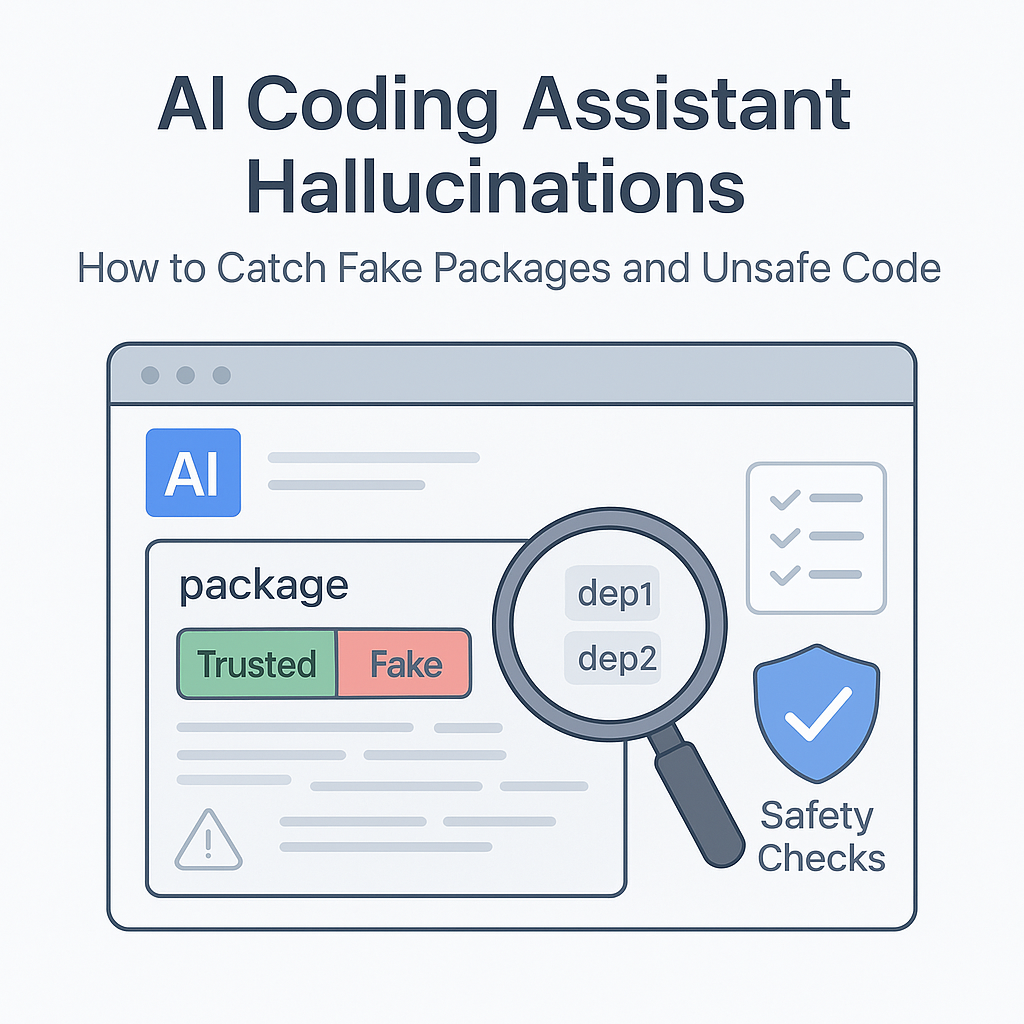
Slopsquatting vs. Typosquatting: What Is the Difference?
Both attacks use names to redirect developers toward harmful packages. The key difference is where the name comes from. Typosquatting targets a human mistake, such as typing a near-match for a popular library. Slopsquatting targets a package name invented by an AI model and later registered by someone else.
| Feature | Slopsquatting | Typosquatting |
|---|
| Name source | A model generates a plausible but fabricated package name. | A user mistypes or misremembers a real package name. |
| Attacker’s move | Register a recurring hallucinated name and publish a package. | Register a lookalike name that resembles a popular package. |
| Likely trigger | A developer trusts a model’s dependency suggestion. | A developer enters or copies the wrong name. |
| Helpful defenses | Verify registry listings, use allowlists, review lockfiles, and restrict install permissions. | Verify exact names, use approved dependencies, and review lockfile changes. |
| Evidence to keep in mind | One study of 16 models reported roughly 20% fabricated dependency suggestions and over 205,000 unique fabricated names in its test set. | The risk depends on common typos and package popularity; it is a different measure from model hallucination rates. |
The study figures are not a claim that one in five production installs is malicious. They measure fabricated package suggestions in a particular research setup. Some names may never be registered, and a package that exists is not automatically harmful. That distinction matters when teams estimate risk.
The defenses overlap because both attacks depend on an unchecked name reaching an install command. A registry check catches a package that does not exist yet, while an allowlist can stop an unapproved package even if an attacker has registered it. Lockfiles make changes visible, but they do not replace review. Frankly, the simplest control is often the one teams skip: confirm the exact package name before adding it.
Common Mistakes to Avoid
Mistake one: trusting an answer because it sounds certain. Models are built to produce plausible language, not to display doubt in a way a human can reliably read. A confident explanation is not proof. Ask for a source, check it, and verify the behavior in the actual version of the tool or library. I have watched polished answers hide a single false detail that changed the whole result.
Mistake two: checking whether the code compiles and stopping there. Compilation confirms that the syntax and names satisfy a set of rules. It does not confirm that the authentication flow resists phishing or that a cloud role is least-privilege. Add tests that check security properties, and have a person with the right expertise review high-impact changes.
Mistake three: assuming a real package is a safe package. A valid registry entry may still be abandoned, compromised, or unnecessary. Check who maintains it, what it does, which scripts it runs, and how it is released. Prefer dependencies with a clear purpose and a support path. Do not add a package just because the assistant made it sound convenient.
Mistake four: treating SMS codes as equal to phishing-resistant authentication. SMS can be better than having no second factor, but it has weaknesses, including risks tied to phone-number control and phishing. For accounts that matter, consider phishing-resistant options such as passkeys or security keys, with careful recovery planning. The CISA guidance on phishing-resistant MFA explains why stronger methods matter. Passkeys are not magic; device loss and account recovery still need sound design.
Mistake five: giving the assistant or build agent broad access. If a tool can read secrets, change infrastructure, or publish packages, its mistakes can have a much larger effect. Limit credentials, use short-lived access where possible, and separate development from production. A model does not need unrestricted permissions to help write a test.
Mistake six: relying on a rule that exists only in a handbook. People miss steps when they are rushed. Put package checks, secret scanning, and permission review into the tools developers already use. Then keep the controls focused enough that warnings mean something. Here’s the kicker: good guardrails make the right action easy and the risky action visible.
Frequently Asked Questions
What is an AI hallucination in code?
It is generated code or technical advice that looks credible but contains an unsupported or false claim. Examples include a made-up package name, an API that does not exist, outdated security guidance, or a cloud permission the application does not need. The answer may look neat or even compile. Verify it against official documentation, the relevant package registry, and tests that check the behavior you care about.
Can a fake package name really become a security attack?
Yes, if an attacker registers the name and a developer or automated workflow installs it. The package could then run code with the permissions available to that environment. The researchers’ study documented fabricated names in model output; that alone does not mean those names were all registered or exploited. Check package names before installation, use approved dependency policies, and keep build permissions limited.
How can a development team reduce AI package hallucinations?
Use registry checks, approved dependency lists, lockfile review, and automated scanning. Require a clear reason for every new dependency, and confirm the exact name and publisher. Test package suggestions with the models and prompts your team actually uses, then monitor how often they invent names. Keep the results in context: a test rate helps compare tools, but it does not prove a particular package is safe.
Are passkeys always safer than SMS codes?
Passkeys are designed to resist phishing and are not reusable codes that a person types into a fake site. They can be a stronger choice for important accounts, but security still depends on device protection, account recovery, and the systems around them. SMS codes may be a practical step above no second factor, but teams should not present them as equal to phishing-resistant MFA. Choose a method that fits the account’s risk and provide a safe recovery process.
Final Thought
AI assistants can be useful teammates, but they are not security reviewers, package registries, or sources of truth. They produce suggestions at a speed that makes manual checking alone a weak control. A careful team lets the tools save time on drafts while requiring evidence before a suggestion enters a trusted build.
I have learned that sturdy software practices are rarely dramatic. They are small acts of care repeated: checking a package name, limiting a permission, reviewing a lockfile, and testing the failure case. Those habits protect the people who depend on the software and respect the work of the engineers who maintain it. Keep the useful speed. Put the checks where they cannot be skipped.
{
  "@context": "https://schema.org",
  "@type": "FAQPage",
  "mainEntity": [
    {
      "@type": "Question",
      "name": "What is an AI hallucination in code?",
      "acceptedAnswer": {
        "@type": "Answer",
        "text": "It is generated code or technical advice that looks credible but contains an unsupported or false claim, such as a made-up package name, a nonexistent API, outdated security guidance, or an unnecessary cloud permission. Verify the answer against official documentation, package registries, and relevant tests."
      }
    },
    {
      "@type": "Question",
      "name": "Can a fake package name really become a security attack?",
      "acceptedAnswer": {
        "@type": "Answer",
        "text": "Yes. An attacker could register a fabricated package name and publish harmful code, which may run with the permissions of the build environment if a developer or automated workflow installs it. Verify package names, use dependency policies, and limit build permissions."
      }
    },
    {
      "@type": "Question",
      "name": "How can a development team reduce AI package hallucinations?",
      "acceptedAnswer": {
        "@type": "Answer",
        "text": "Use registry checks, approved dependency lists, lockfile review, automated scanning, and a clear reason for every new dependency. Test the models and prompts used by the team, and monitor how often they invent package names."
      }
    },
    {
      "@type": "Question",
      "name": "Are passkeys always safer than SMS codes?",
      "acceptedAnswer": {
        "@type": "Answer",
        "text": "Passkeys are designed to resist phishing and can be a stronger choice for important accounts, but device protection and account recovery still matter. SMS codes may be better than no second factor, but they are not equal to phishing-resistant MFA."
      }
    }
  ]
}