<strong>AI agents in DevOps</strong> are software systems that can watch signals, read logs, call tools, and take action with limited human help. That matters...
AI agents in DevOps are software systems that can watch signals, read logs, call tools, and take action with limited human help. That matters because production problems do not wait for a nice time. I’m Ermenildo V Castro, and after enough late-night pages, I can say this plainly: if a machine can cut the noise, people can focus on the real fix.
Key Takeaways- AI agents can monitor, reason, and act across long-running tasks.
- In DevOps, they help with incidents, builds, alerts, and routine fixes.
- Good systems still need human approval for risky actions.
- The best results come from narrow tasks, clear guardrails, and good logs.
- Teams that treat agents as helpers, not magic, get more value.
What is AI Agents in DevOps?
AI agents in DevOps are systems that can observe data, think through a task, use tools, and take action with limited help. That sounds fancy, but the plain version is simple: they are tireless assistants that can watch a stack, read the clues, and do the boring parts faster than a sleepy engineer at 3 AM. What’s the point? To reduce the grind.
Unlike a chatbot that waits for a prompt, an agent can stay active. It can watch metrics, track build failures, inspect a deployment, and decide whether a problem looks serious. Some agents connect to Slack, WhatsApp, ticketing systems, CI/CD pipelines, cloud APIs, or runbooks. Others sit inside an ops console and trigger checks on their own. The core idea is persistent action, not one-off answers.
I first got interested in this after long nights on call at Amazon and later at other shops where paging felt like a bad weather forecast: you knew it would hit, you just did not know when. A lot of time went to reading the same logs, checking the same dashboards, and sending the same updates. That is not high art. That is clerical pain. If a machine can handle that part, the engineer can focus on judgment, not shuffle work.
Open systems such as Anthropic’s computer use announcement and cloud patterns like Amazon Bedrock Agents show how far this has moved. The trick is not raw intelligence alone. The trick is control. A good agent has narrow permissions, traceable steps, and a stop button. Frankly, without those, you have not built an agent. You have built a liability.
There is also a moral piece here that people skip. Work has dignity. So do the people doing the work. If an agent removes waste, that is good stewardship. If it replaces carelessness with more carelessness, that is just automation dressed up for a slide deck. Which side wins? The one with better guardrails.
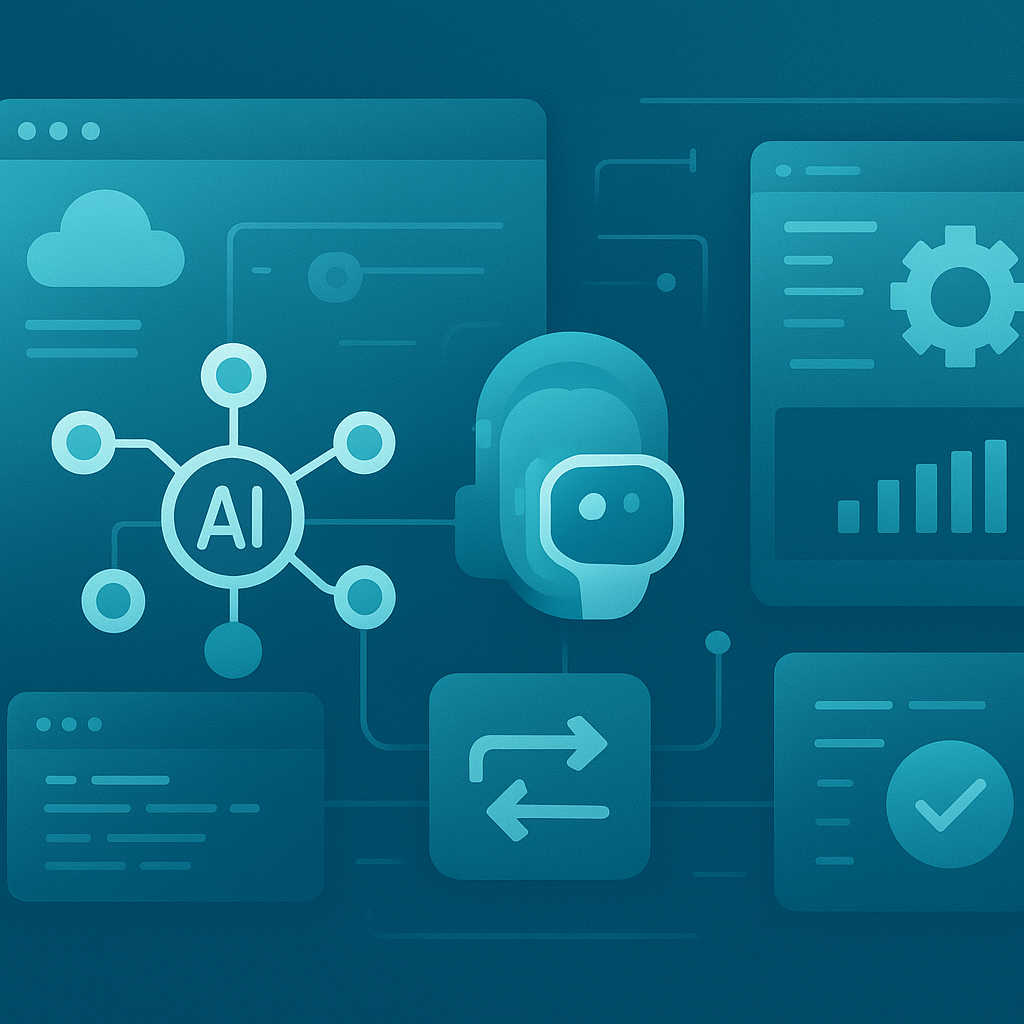
Core Benefits of AI Agents in DevOps
The main value is not magic. It is time.
- Faster incident triage: An agent can gather logs, check recent deploys, compare metrics, and sort likely causes before a human even finishes coffee. I have seen teams lose half an hour just finding the right dashboard. That hurts.
- Lower alert fatigue: Most alerts are noise. A good agent can cluster repeats, label obvious false positives, and reduce the flood that makes engineers tune out. That matters because a tired team makes bad calls.
- Better handoffs: Agents can write incident notes, post Slack updates, and keep a timeline. I once watched a team spend more effort on status updates than on fixing the bug. That is upside-down.
- Continuous checks: Agents can watch for failed jobs, stalled rollouts, or weird traffic patterns, then act on a rule set. That is useful when humans are asleep or deep in another fix.
- Safer routine action: If a runbook says restart a stuck worker or roll back a broken deploy, an agent can do that after checks pass. Small win? Yes. Big one? Also yes.
- Less context switching: Engineers spend too much time jumping between chat, logs, dashboards, and ticket systems. I learned this the hard way at Microsoft, where one broken system could turn into five tools and ten tabs. Agents reduce that mess.
Most guides say agents replace people. I do not buy that. The better view is narrower and more honest: agents take the trash out so engineers can think. That is a serious gain. And if you care about the common good of a team, not just raw speed, this matters even more.
The Google SRE book has long argued for reducing toil, and that still holds. Agents fit that goal nicely when they are used for repeatable, measurable tasks. They also help with coordination across Slack, PagerDuty, Jira, GitHub, and cloud consoles. That glue work is boring until it is missing. Then it is a mess.
Here’s the kicker: the best DevOps teams already think in systems, not heroics. Agents fit that style. They can watch for patterns over time, not just single alerts. They can also keep records, which helps with audits, postmortems, and compliance. That is not glamorous, but it is real. And real work beats flashy talk.
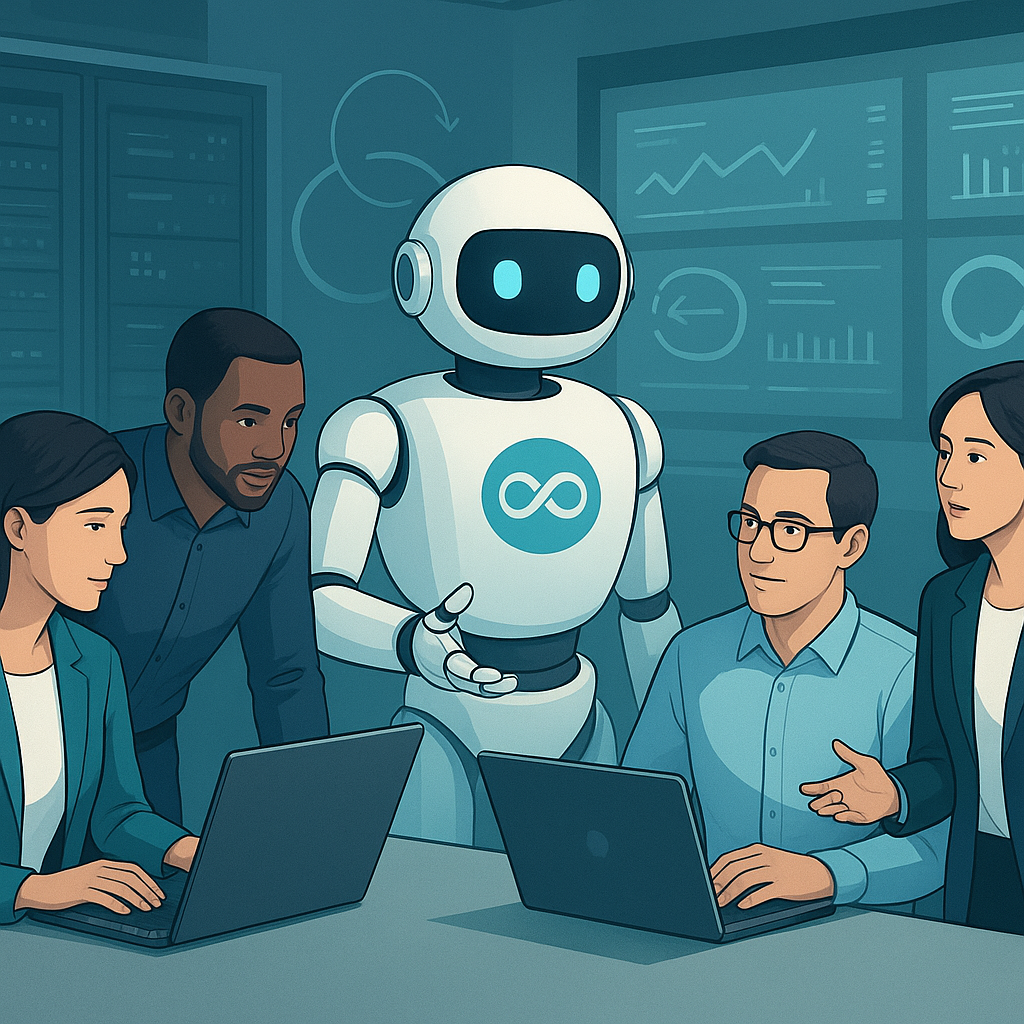
Step-by-Step Guide to Implementing AI Agents in DevOps
Start small.
- Pick one boring task
Choose a task that repeats often, has clear rules, and does not need deep judgment. Build failure summaries, stale incident updates, or basic log gathering are good examples. I have found that teams fail when they start with a huge dream and no narrow target. Why? Because scope explodes.
- Define what the agent can touch
Set limits on tools, APIs, and permissions. A good agent should not have open season on production. Give it read access first, then controlled write access only where safe. That is basic stewardship of systems and trust. No shortcuts.
- Connect trusted data sources
Feed it metrics, logs, traces, deploy history, ticket data, and runbooks. Use clean inputs where possible. Garbage in still means garbage out, even if the model sounds smart. I’ve seen polished demos fail because the data was messy. Pretty common, sadly.
- Add approval gates
Require a person to approve risky actions at first. Rollbacks, instance restarts, and config changes should not happen without a clear rule or human sign-off. The agent can suggest. The human decides. That split is sane.
- Keep a full audit trail
Log what the agent saw, what it decided, what tool it used, and what changed. This is huge. Without logs, you cannot trust the system, and you cannot explain it later. That is true in audits, incident reviews, and plain old debugging.
- Test on fake incidents
Run drills with sample failures. Feed it a bad deploy, a dead queue, or a noisy alert storm. See where it breaks. I’ve done this more than once, and every time the agent found the easy stuff first while missing one strange edge case. That is fine. Better to learn in practice than in panic.
- Measure useful outcomes
Do not measure vibes. Measure minutes saved, alert reduction, false positives, mean time to acknowledge, and mean time to repair. If those numbers do not move, the project is fluff. The truth is, dashboards don’t care about opinions.
- Expand only after proof
Once the first task works, add one more. Then another. Keep the agent’s job narrow and the rules clear. This is how you avoid the classic trap: a tool that seems smart in a demo but fails in the wild.
For deeper setup ideas, I recommend reading Kubernetes controller patterns and GitHub Actions documentation, because the same control mindset applies. A solid agent behaves more like a reliable controller than a loose chatbot. That distinction matters.
When I worked at Zulily, the best automation was never the loudest one. It was the one that quietly removed pain from the path. Same here. Keep it plain. Keep it safe. Keep it useful.

AI Agents vs Traditional DevOps Automation
Traditional automation is rule-based. Agents are more flexible.
| Feature | AI Agents in DevOps | Traditional DevOps Automation |
|---|
| Decision style | Reasoning across data and context | Fixed rules and scripts |
| Best for | Ambiguous incidents, triage, communication | Repeated jobs, exact checks, routine deploys |
| Adaptability | Higher, when well constrained | Lower, but predictable |
| Risk | Tool misuse if permissions are broad | Script failure if inputs change |
| Auditability | Strong if logs are built in | Strong if scripts are versioned |
| Human oversight | Often needed for major actions | Often needed for exceptions |
| Setup cost | Higher at first | Lower at first |
| Long-term value | Good for messy ops work | Good for stable, simple tasks |
The biggest competitor here is not another agent vendor. It is the old script stack. And to be fair, scripts still matter. A shell script, a CI job, or a Terraform plan can do exact work with less drama. But scripts do not reason. They do not notice that a deploy happened five minutes before a spike, or that three alerts all point to the same dead service.
That is why the two approaches should live together. I would not replace stable automation with an agent. I would place an agent on top of it, where it can interpret signals, choose the right script, and ask for help when needed. That is the sweet spot.
During my years at Google and Microsoft, I saw many teams confuse cleverness with reliability. Bad move. The machines that last are the ones that fail clearly and recover fast. Agents should follow the same rule. If they cannot explain their action, they should not take it.
Common Mistakes to Avoid.
Most mistakes are self-inflicted.
- Giving the agent too much power
This is the big one. Teams get excited, then hand over production controls like candy. Bad idea. An agent should start with narrow rights and move up only after proof. Trust is earned, not declared.
- Using messy data
If your logs are broken, your tags are random, and your incidents are poorly recorded, the agent will struggle. People like to blame the model, but the data was the real mess. I have seen that movie. It ends the same way every time.
- Chasing a demo, not a workflow
A flashy demo in Slack means little if the real process still takes ten manual steps. Build around the actual flow your team uses. Otherwise, the tool sits there looking smart and doing nothing useful. Frankly, that is common.
- Skipping human review on risky actions
Some folks say the point of an agent is to remove people. I think that is sloppy thinking. For low-risk tasks, automation can act alone. For rollbacks, access changes, and customer-impacting fixes, a human should review first. People are not a bug in the system. They are part of the system.
- Ignoring post-incident learning
If the agent makes a bad call, study it. Do not just patch the symptom. Update the rules, the prompts, the tool access, or the runbook. Learning is part of stewardship. Waste not the mistake.
- Measuring only speed
Fast but wrong is not a win. Measure correctness, clarity, and fewer repeats, not just seconds shaved off a ticket. I’ve watched teams brag about speed while their incident quality sank. That is not progress. That is noise.
The truth is, most failed efforts come from treating agents like magic. They are not. They are tools with a brainy edge, bounded by data, permissions, and human sense. Keep those tight and you get value. Let them drift and you get trouble.
For more background on safe operational controls, see Google Cloud security controls and Microsoft security fundamentals. Not because the vendors are holy, but because good control patterns are good control patterns.
Frequently Asked Questions
What kinds of DevOps tasks can AI agents handle?
They work best on repeatable tasks like incident summaries, alert clustering, log checks, ticket updates, and simple runbook actions. They are weaker when the job needs deep business judgment or messy human context. Use them where the rules are clear.
Are AI agents safe for production use?
Yes, if you keep permissions tight, add approval gates, and log every action. Unsafe setups usually come from giving too much access too soon. That is the part people skip, then act surprised. I’ve seen that mistake more than once.
Do AI agents replace DevOps engineers?
No. They reduce toil. Engineers still need to set policy, review risky actions, improve systems, and handle hard calls. The best use of agents is to clear the boring stuff so people can do the work that needs judgment.
What is the difference between an AI agent and automation?
Automation follows fixed rules. An AI agent can weigh context, choose tools, and make a sequence of actions based on what it sees. That makes it more flexible, but also more in need of guardrails. Flexibility without control is just trouble in a nicer suit.
Final Thought
AI agents will not save DevOps by themselves. They will help the teams that already care about discipline, clear logs, honest metrics, and human dignity in the work. That is where the real value sits. I’m Ermenildo Castro, and after years of incidents, rebuilds, and long nights in Seattle rain, I trust tools that serve people, not tools that pretend to replace them.
The best agent is the one that makes a tired engineer less tired, a noisy system less noisy, and a hard job a little more orderly. That is not flashy. Good. The world has enough flashy nonsense already.