AI agents need fences. Without them, a tool-calling model can read files, touch APIs, and make a mess faster than a junior dev with sudo access. I’ve seen...
AI agents need fences. Without them, a tool-calling model can read files, touch APIs, and make a mess faster than a junior dev with sudo access. I’ve seen this pattern before, from Google to Amazon to little teams trying to ship too much, too fast. The fix is not magic. It is Docker, sandboxing, tight permissions, and boring rules that keep software honest.
Key Takeaways- AI agents can do real damage if you let them run loose.
- Docker gives you a clean, repeatable shell for execution.
- Sandboxing limits file, network, and process access.
- Least privilege is not a slogan. It is survival.
- Good controls protect users, data, and the dignity of work.
What Are AI Agents, Docker, and Sandboxing?
AI agents are programs that can plan, call tools, and keep working toward a goal. They are not just chatbots with attitude. They can read code, write files, query services, and sometimes chain actions together, which is handy until one bad prompt turns into a real incident.
Docker is a container system that gives software its own boxed-up space to run in. That box is not perfect security, but it is a strong start. It keeps dependencies stable, reduces surprise, and makes it easier to reset a broken run. I used this approach a lot when teams wanted a fast demo without handing the agent the keys to the kingdom.
Sandboxing is the part people skip, then regret. It limits what the agent can touch, such as host files, network access, secrets, and dangerous system calls. In plain terms, it says: you may work, but only inside this room. That is wise engineering, and it fits a simple moral truth too: power without restraint tends to hurt the people closest to it.
When I worked on systems with automated tooling, the real failures were rarely clever hacks. They were usually sloppy permissions, shared credentials, or a script that had more rights than it needed. Docker security docs are worth reading because they remind you that containers reduce risk, but do not erase it.
Frankly, that matters. If an agent can reach prod secrets, then the problem is not the model. The problem is the adult who left the cabinet open.
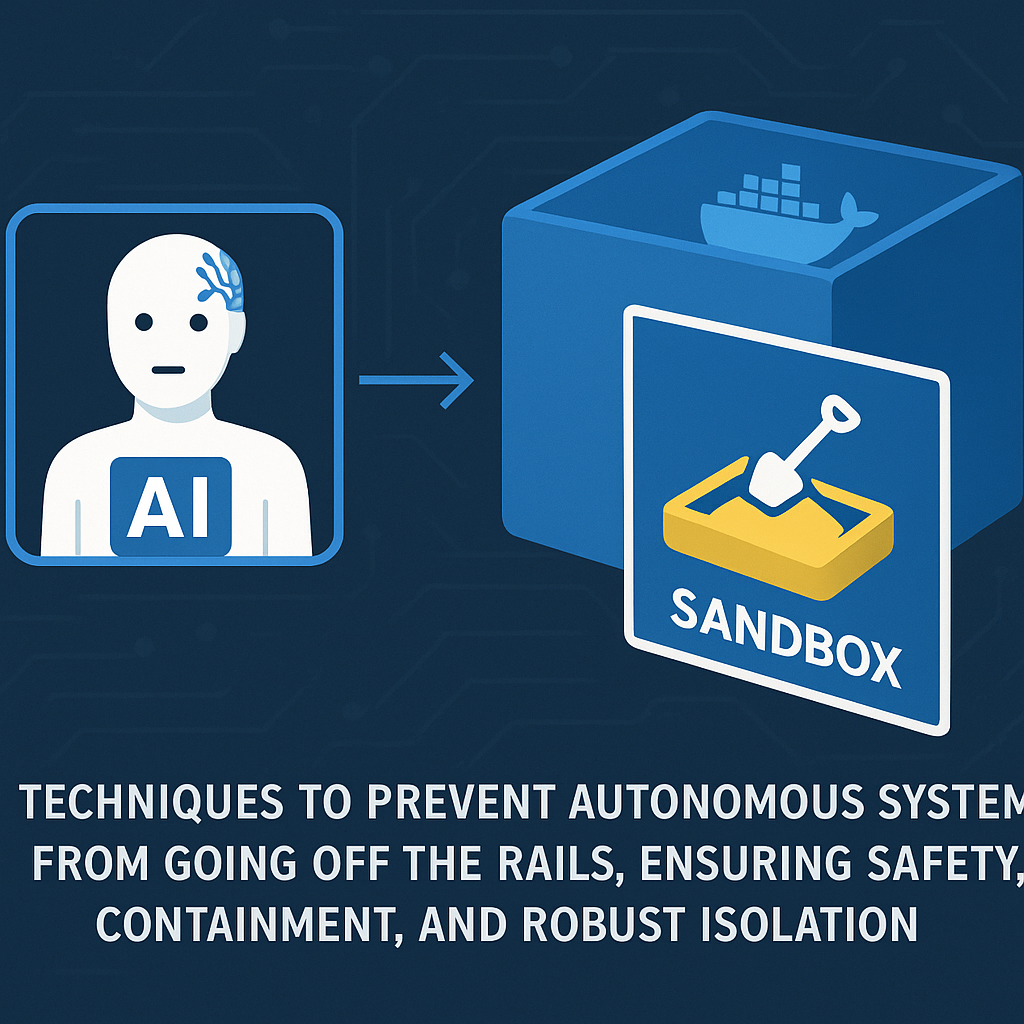
Core Benefits of Using Docker and Sandboxing for AI Agents
The first benefit is simple containment. If an agent crashes, loops, or writes junk, the damage stays inside the box. That means faster cleanup and fewer “why is this broken at 2 a.m.?” moments. I’ve lived through enough of those to know the value of a hard boundary.
The second benefit is repeatability. Docker images pin the runtime, so the agent sees the same libraries, tools, and OS pieces every time. That cuts the “works on my machine” nonsense. If you have read containerization best practices, you already know why that matters for teams with more than one developer and more than one opinion.
The third benefit is safer access to tools. An AI agent often needs to read docs, inspect logs, or call internal APIs. Sandbox rules let you allow those actions without opening full system access. That is good engineering and good stewardship. You are entrusted with systems and data; you should treat them like they belong to people, because they do.
The fourth benefit is easier audits. When the agent runs in a container with limited rights, you can inspect logs, watch network calls, and trace file changes more cleanly. Security teams like evidence, not vibes. So do I.
The fifth benefit is better team trust. Product people want speed. Security people want sleep. Ops people want fewer surprises. A sensible sandbox gives all three a reason to stop arguing. I saw this pattern at Microsoft and later at Amazon: once teams could prove the agent had narrow access, reviews got shorter and releases got calmer.
Here’s the kicker. Limits do not slow good work. They remove chaos.

Step-by-Step Guide to Securing AI Agents with Docker
Start with the smallest useful container. Do not build a giant image with every tool on earth. That just creates more junk to protect. Keep the base image slim, add only the tools the agent needs, and rebuild often. If you want a practical starting point, see Docker build best practices.
- Pick a narrow task. Give the agent one job, not a magic wish list. A code-review agent, a log parser, or a doc search helper is easier to protect than a Swiss Army bot that can do everything and nothing well.
- Use a minimal base image. Fewer packages mean fewer holes. Alpine is not always the answer, despite what the internet mutters, but minimal usually beats bloated.
- Run as a non-root user. This is basic stuff, yet many teams still skip it. If the agent does not need root, do not hand it root. That rule has saved me more times than I can count.
- Disable what you do not need. No host mounts unless required. No privileged mode. No broad network access. No secret files sitting in the image like loose cash on a park bench.
- Add network controls. Let the agent reach only the domains or services it must touch. If it is a local reasoning tool, maybe it should not call out to the internet at all.
- Isolate secrets. Inject short-lived credentials at runtime. Keep them out of images and source code. Use a secret manager, not a text file named final-final-v3.txt.
- Log actions clearly. Record tool calls, file access, and exit codes. If something odd happens, you want a trail. AI agent observability can help teams spot weird behavior before it spreads.
- Test failure cases. Try bad prompts, broken tools, and missing files. I used to say the best time to find a guardrail problem is before the user does. Still true.
- Set resource limits. Cap memory, CPU, and runtime. An agent stuck in a loop should die quietly, not eat a server like a raccoon in a pantry.
- Review and rotate. Recheck permissions every time the tool set changes. Security rot is real. It creeps in through “temporary” exceptions that somehow last for years.
For container hardening, the OWASP Docker Security Cheat Sheet is a solid reference. It is not glamorous, but neither is cleaning up after an avoidable incident.
Comparison Table: Docker-Sandboxed Agents vs. Bare-Metal Agents
| Feature | Docker + Sandbox | Bare-Metal Agent |
|---|
| File access control | Tight | Loose by default |
| Secret handling | Better isolation | Easy to expose |
| Repeatability | High | Low to medium |
| Recovery from failure | Fast | Slower |
| Audit trail | Clearer | Messier |
| Risk of host damage | Lower | Higher |
| Setup speed | Moderate | Fast at first |
| Long-term safety | Strong | Weak |
The biggest competitor here is the “just run it directly” approach. It feels fast. It is often foolish.
A bare-metal agent can be fine for throwaway demos, but once you connect it to real tools or real users, the risk climbs fast. Docker plus sandboxing is not a fancy extra. It is the minimum sane setup for serious work.
Common Mistakes to Avoid
People love shortcuts. That is the problem.
The first mistake is trusting the model too much. A smart agent can still be tricked, misled, or just plain wrong. I’ve seen skilled engineers assume “the prompt will keep it safe.” No, it will not. Prompts are guidance, not law.
The second mistake is giving broad file access. If the agent can read everything, then a bad prompt or bad tool call can leak data in ways you will hate explaining later. Keep the workspace narrow and the mount points tight.
The third mistake is leaving network access open. A sandbox without network limits is a half-built fence. It looks comforting until the agent starts calling random endpoints, grabbing pages, or exfiltrating data through a side door.
The fourth mistake is storing secrets in the image. Don’t. Seriously. That habit turns one container into a reusable leak. Use runtime injection and short-lived tokens instead.
The fifth mistake is ignoring logs. If you cannot see what the agent did, you cannot defend it, improve it, or explain it after the fact. Everyone talks about observability, but few teams wire it up before the first incident.
The sixth mistake is believing containers are perfect shields. They are not. Kernel bugs, bad runtime settings, and weak host controls can still burn you. zero trust for AI systems is not hype; it is a useful way to think about layers of defense.
The last mistake is forgetting people. Security is not only about systems. It is about users, customers, and coworkers who trust your work. That trust is fragile. In Catholic terms, stewardship means caring for what you were given, not acting like a temporary landlord with a chainsaw.
Let's be real. If your AI agent can delete the one folder nobody backed up, you do not have an AI problem. You have a discipline problem.
Frequently Asked Questions
1. Is Docker enough to secure AI agents?
No. Docker helps with isolation, but it is not full security. You still need sandbox rules, least privilege, secret control, logging, and resource limits.
2. Can an AI agent safely use the internet?
Yes, but only if you allow a very small set of destinations and actions. Open internet access is risky unless the task truly needs it.
3. What is the safest way to give an agent tools?
Give it only the tools it needs for one job, use short-lived credentials, and run it in a container with tight permissions. Keep the scope boring.
4. What should I log for agent runs?
Log tool calls, file reads and writes, network calls, errors, and exit codes. If the agent makes an odd move, you want a clean trail.
Final Thought
AI agents are useful, but they are not saints. They need rules, walls, and honest limits. I’ve built systems at scale, and the lesson never changes: the safest tool is the one that can do its job without reaching for what is not its own. That is true in software, and it is true in life.
When I think about the work from Google, Microsoft, Amazon, and even the scrappier days at Zulily, the best teams were never the ones chasing chaos. They were the ones who respected boundaries, protected users, and treated every system like a trust, not a toy. Ermenildo V Castro would put it this way: good engineering serves people first.
So yes, use AI agents. Use them hard. Just keep them in a box, watch them closely, and do not confuse speed with wisdom. A clean system is not just safer. It is kinder to the people who depend on it.